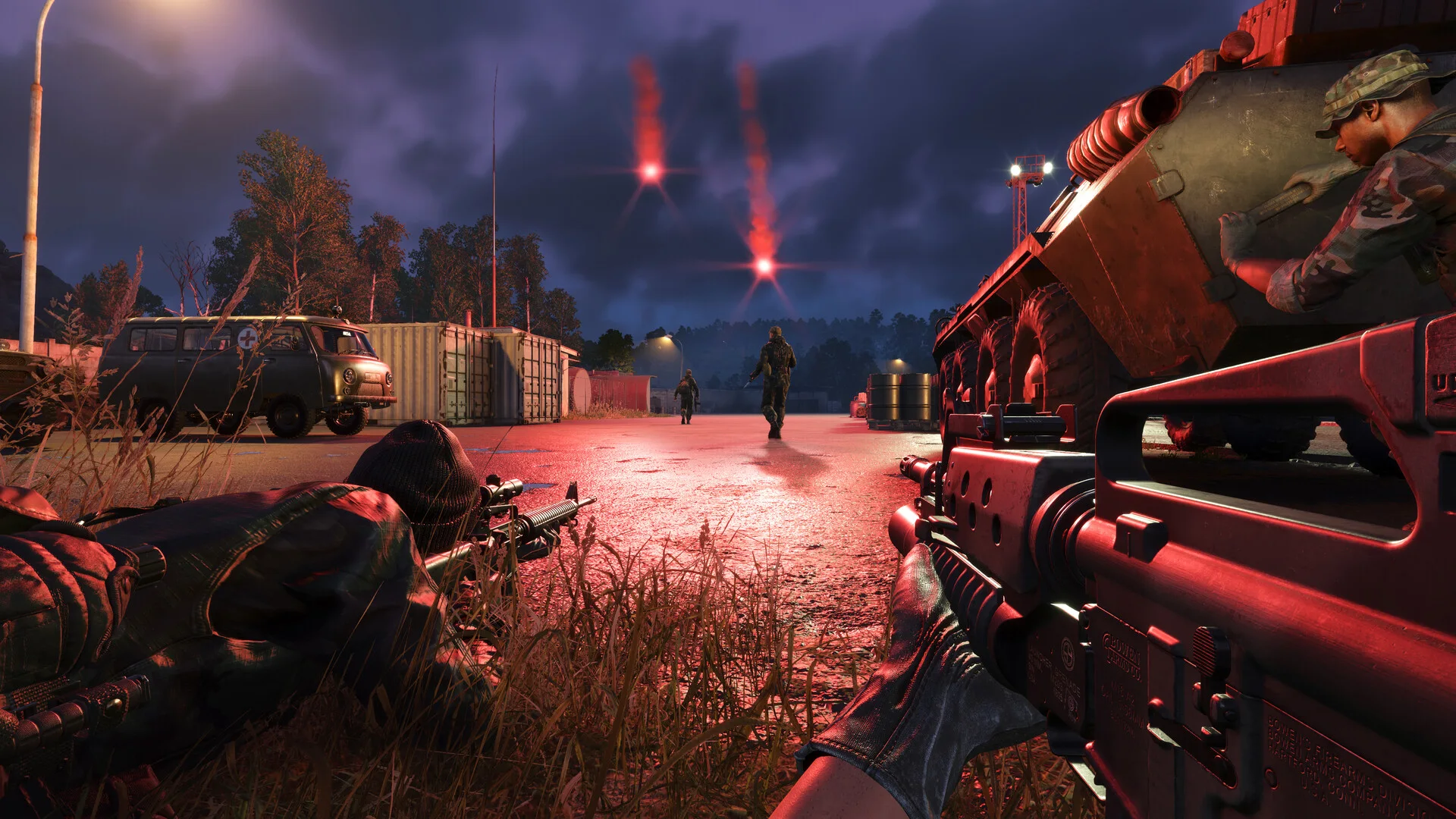
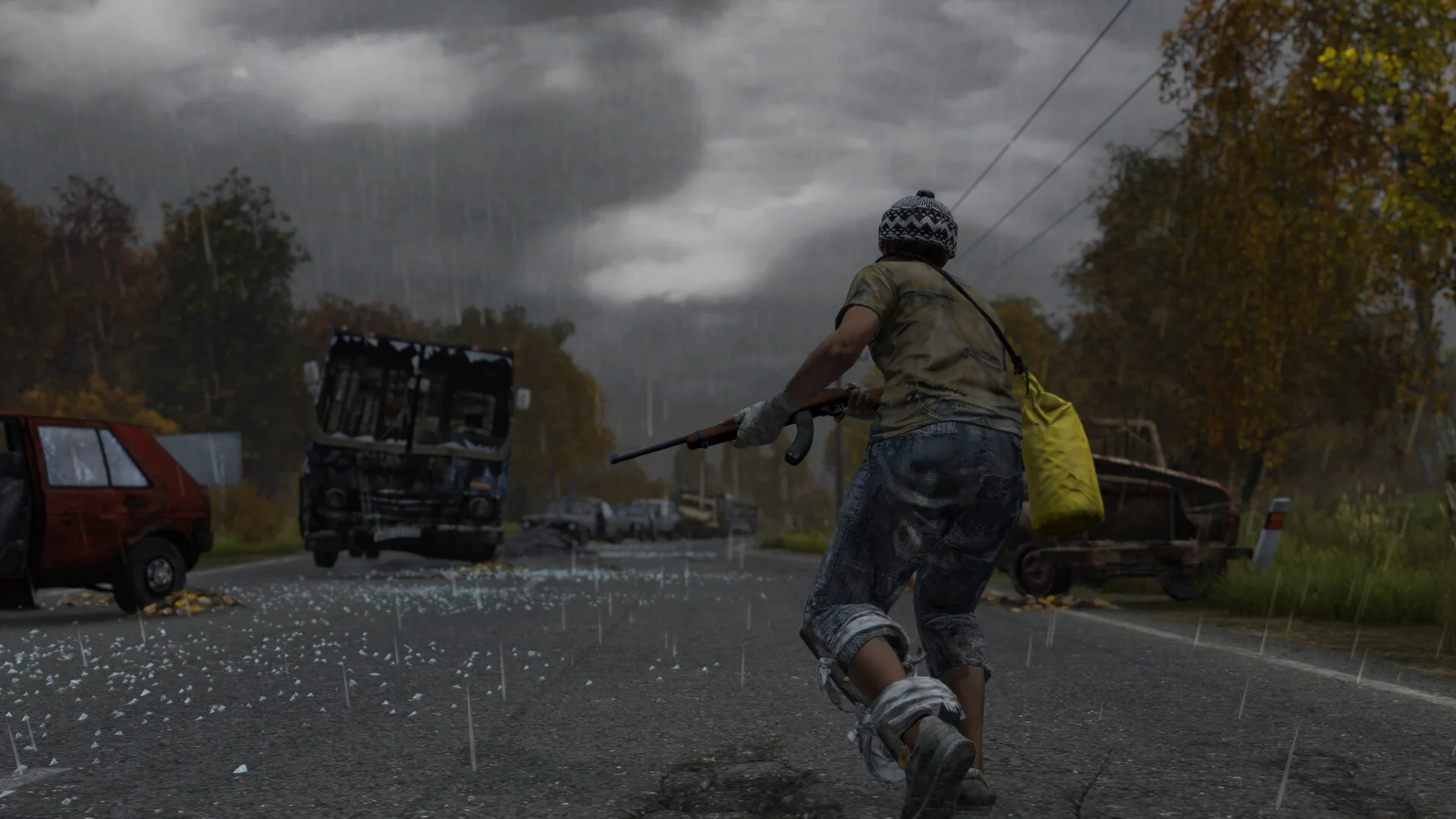
Note: This product is currently available as an Early Access release. Features, functionality, and performance may be expanded, refined, or adjusted throughout development as regular updates are released.
Requirements
Supported CPUIntel & AMD
Support Windows Version10 - 11
Features
6 groups
Aimbot
Enable Aimbot — Master toggle for aim assistanceTarget Bone — Head / Neck / ChestSmooth Aim — Smoothed aiming movementSmoothness Value — Adjustable aim smoothing strengthFOV Circle — Display the active aiming field of viewFOV Radius — Adjustable targeting radiusTarget Lock Indicator — On-screen indicator when a target is lockedTarget Filters — Enemies / Teammates / NPCsMaximum Distance — Adjustable maximum targeting distance
Player ESP
Box ESP — Corner / Full box stylesSnap Lines — Draw lines to tracked entitiesPlayer Name — Display player namesDistance Indicator — Show distance to tracked entitiesHealth Bar — Display current player healthHealth Bar Position — Adjustable health bar placementHealth Percentage — Display exact remaining health percentageHealth Distance Limit — Hide health information beyond a configurable distanceSkeleton ESP — Display character bone structureDirection Indicator — Display facing or movement directionDirection Line Length — Adjustable direction indicator lengthHead Dot — Display a marker over the headHead Dot Size — Adjustable head marker sizeShow Teammates — Enable or disable teammate ESPShow Enemies — Enable or disable enemy ESPShow NPCs — Enable or disable NPC ESPShow Corpses — Display dead players and entitiesCorpse Distance — Adjustable corpse display rangeMaximum Distance — Adjustable ESP render distance
Hidden Enemy Color — Customize hidden enemy visualsVisible Enemy Color — Customize visible enemy visualsTeam Color — Customize teammate visualsHidden NPC Color — Customize hidden NPC visualsVisible NPC Color — Customize visible NPC visualsCrosshair Color — Customize crosshair appearanceRadar Background Color — Customize radar backgroundRadar Border Color — Customize radar borderRadar Center / Player Marker — Customize local player radar markerAdditional Colors — Extensive customization across other visual elements
Miscellaneous
Crosshair — Custom on-screen crosshairFPS Counter — Real-time FPS displayResolution Display — Display current screen resolutionCurrent Time — Display system time
Profiles & Settings
Configuration Management — Save / load / and reset configurationsProfile Management — Create and manage separate configuration profilesMenu Hotkey — Configurable menu keybindPanic Key — Quickly disable active functionalityAimbot Hotkey — Configurable aim activation keybind