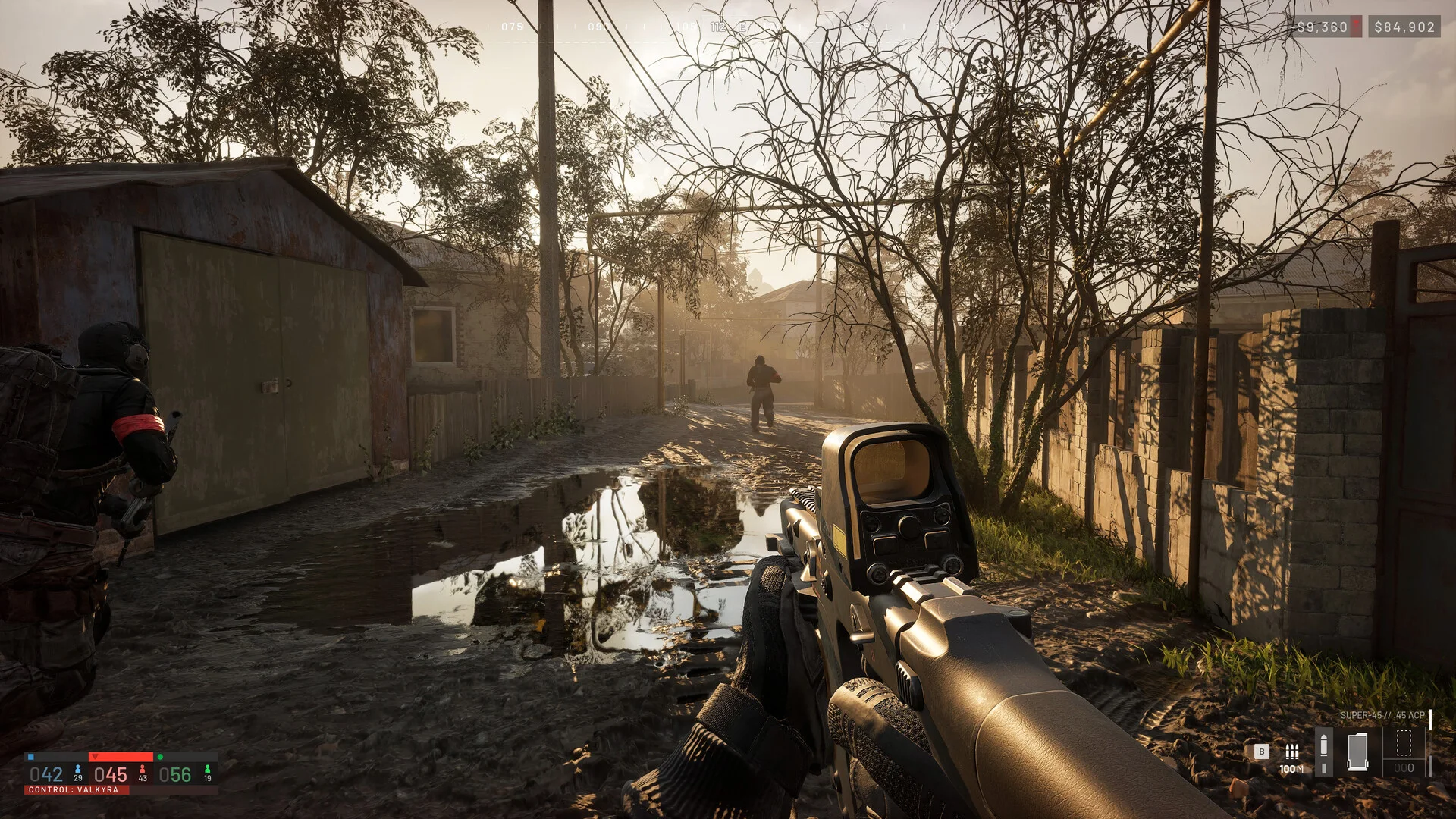
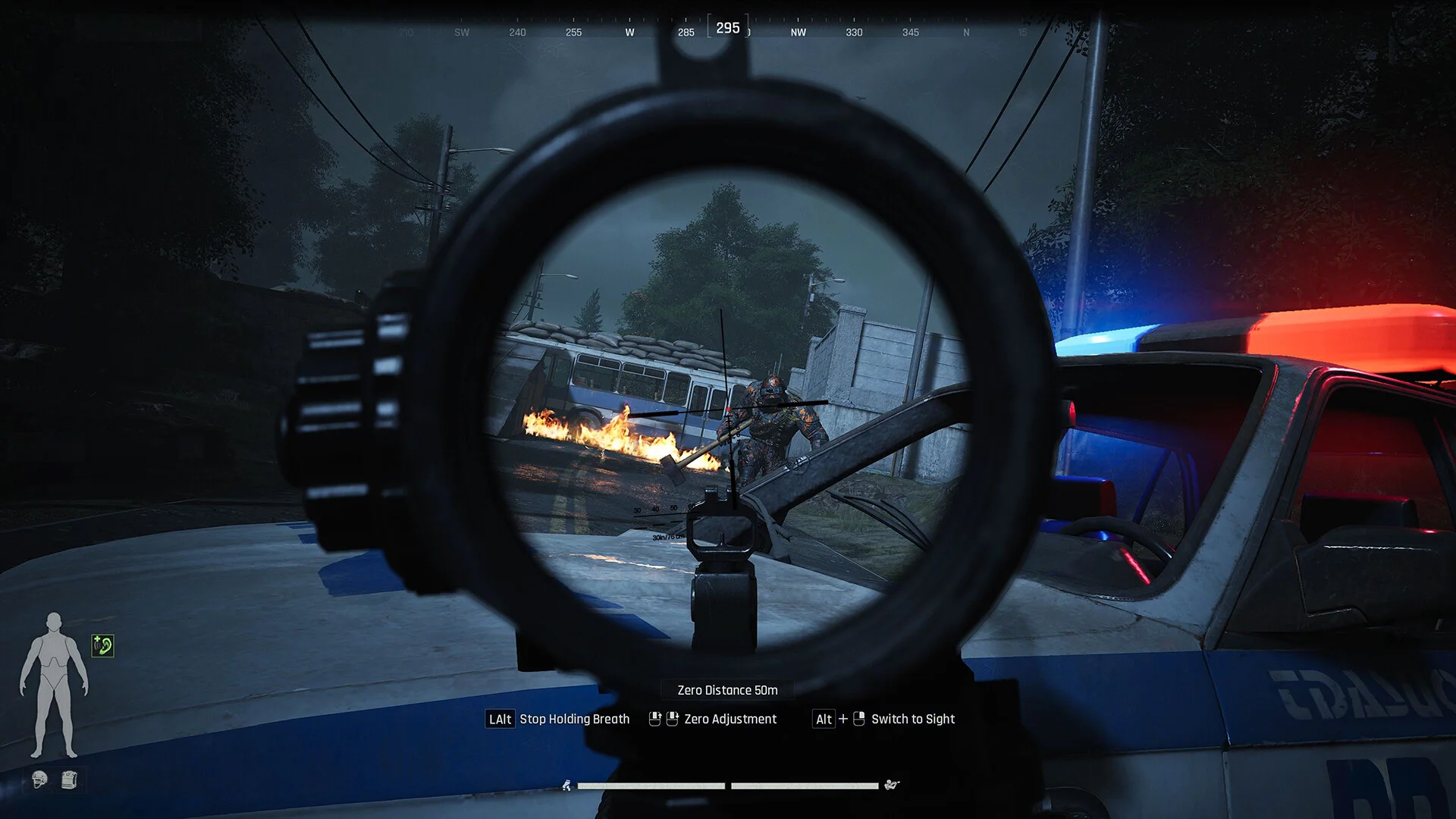
Keybind – Set the specific key to trigger the aimbot.Mode – Choose between Toggle or Hold activation modes.Draw FOV Border – Displays the visual radius of the aimbot's reach.Target Player – Enables targeting for real players.Target BOT – Enables targeting for AI bots.Visible Check – Ensures the aimbot only targets enemies not behind cover.Bone – Select specific target areas: Head / Neck / Body / or Pelvis.Smooth – Adjusts the speed and fluidity of the aiming movement.
Player ESP
2D Player Box – Highlights targets with a full Box or Corner-style frame.Box Filled – Adds a static or gradient background fill to the player boxes.Nickname – Displays player names above their characters.Weapon in Hands – Shows what weapon the target is currently using.Skeleton – Visualizes the player's bone structure with adjustable line thickness.Distance – Displays the range to the target in meters.Visibility Check – Changes ESP color based on whether the target is visible.Player Lines – Draws snaplines to targets from the Top-Middle / Center / or Bottom-Middle of the screen.Hide BOT – Filters out AI targets to reduce visual clutter.Render Distance – Adjustable range for player ESP visuals.
Container ESP
Hide Empty – Only displays containers that contain loot.Show Distance – Shows how far away the container is located.Rendering Distance – Sets the maximum range for container visuals.