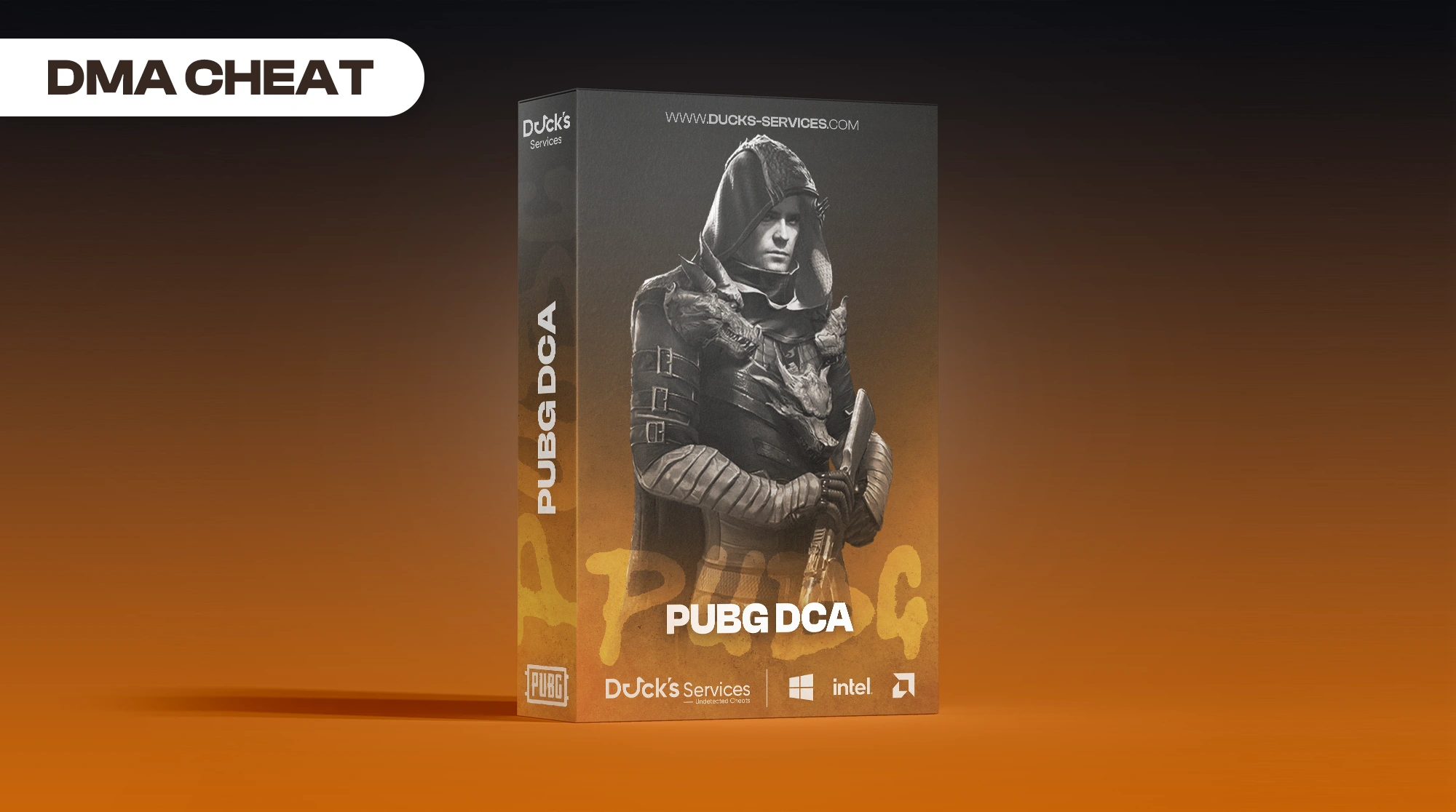
PUBG DCA [DMA]
-
UndetectedWindows 10 & 11 Instant Delivery
Product Images
![PUBG DCA [DMA]](https://ducks-services.com/uploads/monthly_2026_07/Screenshot2026-07-29154243.webp.f6670a5eb4194b469d964f639630bc2d.webp)
![PUBG DCA [DMA]](https://ducks-services.com/uploads/monthly_2026_07/Screenshot2026-07-29154249.webp.8de901bdc8a1126a95feaf22687d3ca1.webp)
![PUBG DCA [DMA]](https://ducks-services.com/uploads/monthly_2026_07/Screenshot2026-07-29154253.webp.82a9ac0f39d6cdc06b808f7dcd052fac.webp)
![PUBG DCA [DMA]](https://ducks-services.com/uploads/monthly_2026_07/Screenshot2026-07-29154256.webp.b691fac5b2e773db15f325b9633c9fde.webp)
Requirements
Visuals
General
- Enable (master toggle)
- Hide Team
- Show Teams Alive
- Show Type
- Spectator Count
- Downed Color
Information
- Distance
- Names
- Team ID
- Weapon in Hands → Secondary Weapon, Show Icons (+ Icon Size, Max Distance sliders)
- Enemy Aim Warning
- Hitmarkers → Mode (Single/Stacking), Size, Color, COD Hitmarker
Visibility
- Visibility Check (+ Hidden Color)
- Sample Size (1/2/4/8/16 Samples, Render Times)
Mini Map
- Enable Mini Map
- Radar Style Dots (+ Dot Size) or Player/Enemy Color
- Custom minimap layout (ultrawide / non-16:9) → small/large map W/H/X/Y fraction sliders, Reset to 16:9 defaults
ESP Rendering
- Bones (+ Color, Thickness, Bone Mode: Full / Chest Down / Waist Down / Feet)
- Boxes (+ Box Color, Box Style: 2D / 2D Corners / 3D / 3D Corners, Thickness)
- Player Lines (+ Color)
Display Settings
- Font Size
- Max Distance
- Text Color
Rose Compass
- Enable Rose Compass
- Compass Radius
- Triangle Size
- Max Distance
- Show Mode (All Enemies / Off-screen Only)
Aimbot
Top Bar
- Aimbot (master toggle)
- Connect on Start-up
- Aimkey / Aimkey2 hotkeys
- Show Current Aim Config
- Ignore Downed
Device Connection
- Type: Net / B+ / MAKCU
- Connect button (+ Auto-detect for MAKCU)
- Net: IP, Port, UUID inputs
- B+: COM Port, Baud Rate
- MAKCU: COM Port, Baud Rate
No Recoil
- No Recoil toggle
- Dynamic Recoil Script
- Recoil Strength slider
Basic Settings
- X Smoothing / Y Smoothing
- Max Distance
- Max DMR / Sniper Distance
- Reticle Offset (Allows for FOV circle to be moved up and down for preference)
- DMR / Sniper Reticle Offset (Allows for FOV circle to be moved up and down for preference)
- DMR / Sniper X/Y Smoothing
Aim Modes
- Prediction
- Closest To Crosshair
- Sticky Aim
- Drop Compensation
Humanization (Natural Aim Enhancement)
- Enable Humanization
- Overall Strength
- Smoothing Blend
- Path Variation
- Micro-Adjustments
- Smart Acceleration
- Natural Flow
- Quick Presets: Subtle / Balanced / Noticeable
Target Bones
- Target Bone (Head/Neck/Chest/Center/Pelvis)
- DMR / Sniper Bone
FOV Settings
- Draw FOV (+ FOV Color)
- Dynamic FOV
- FOV Size
- DMR / Sniper FOV
Spectator Mode
- Spectator Smoothing (+ Smoothing Factor)
- Blacklist Smoothing (+ X/Y Smoothing)
Target Wheels
- Target Wheels toggle + hotkey
- Max Distance
- X/Y Smoothing
Triggerbot
- Triggerbot toggle + hotkey
- Delay
- Triggerbone
- Sensitivity
Aim Point
- Draw Aim Point
- Fill Aim Point
- Weapon Selection (All Weapons / DMR-Snipers Only)
- Aim Point Color
Utility
Vehicle ESP
- Enable Vehicle ESP + hotkey
- Show Distance
- Show Name
- Health & Fuel bars
- Font Size
- Max Distance
- Text Color
Deadbox / Airdrop
- Enable + hotkey
- Label Color
- Font Size
- Max Distance
- Show Airdrop Contents (+ color)
- Show Deathbox Contents (+ Item Filter Only, color)
- Max Items Per Drop
- Show Airdrop on Minimap (+ icon size)
Vehicle Minimap
- Minimap toggle
- Mini Map Vehicle Color
- Icon Size
Grenade ESP
- Enable Grenade ESP
- Show Grenades (+ color)
- Show Panzers/Rockets (+ color)
- Show Mortars (+ color)
- Show Molotovs (+ color)
- Timer Ring
- Explosion Radius
- Show on Minimap (+ Minimap color)
- Max Distance
Item ESP
Master Control
- Enable (master toggle) + hotkey
General Settings
- Font Size
- Icon Size
- Max Distance
- Smart Items (hide items once inventory threshold met)
- Show Icons
- Always Show Consumables
- Show Attachments for Secondary Weapons
Icon Colors
- Group 1–4 Color pickers
- Secondary Attachments Color
- Hotkeys: Enable Group 1 / 2 / 3 / 4
Weapons (per-weapon-class sub-tabs: ARs, SMGs, LMGs, Snipers, DMRs, Shotguns, Pistols, Ammo, Throwables)
- Select All / None per category
- Master Attachments toggle + per-slot (Sight/Muzzle/Magazine/Grip/Stock) category-default dropdowns
- Per-weapon toggle grid; checked weapons expand inline per-slot attachment dropdowns
- Smart Items threshold slider per weapon when Smart Items is enabled
- Ammo / Throwables use the Smart Items grid (toggle + min-count threshold slider)
Attachments (collapsible sections: Magazines, Scopes, Grips, Stocks, Muzzles)
- Select All / None + toggle grid per section
Consumables
- Select All / None
- Smart threshold grid (toggle + min-count slider) for Medical & Boosts
Utility (collapsible: Gear, Other Items)
- Select All / None + toggle grid per section
Grouping (sub-tabs: Weapons, Attachments, Consumables & Armor, Throwables & Other)
- Per-item table assigning each item to color Group 1–4 (or None) via dropdown, grouped by category (collapsible, scrollable table)
Grenade Arc
- Enable Grenade Arc (master toggle)
Feature Toggles
- Show Impact Point
- Show Distance Markers
- Show Collision Point
- Only When Holding Grenade
- Inherit Player Velocity
- Arc Color / Collision Color / Impact Point Color / Marker Color
Sliders (For minor tweaking, should not be messed with significantly)
- Throw Velocity, Gravity, Simulation Step, Max Sim Time, Player Vel Mult, Terminal Raycast
- Throw Angle, Screen X, Screen Y, Start Depth
- Arc Segments, Arc Thickness, Impact Radius, Marker Distance, Max Distance
Mortar Arc Settings (For minor tweaking, should not be messed with significantly)
- Mortar Velocity, Mortar Gravity, Mortar Thickness, Mortar Debug Pitch, Mortar Start Offset
- Mortar Arc Color
Reset
- Reset to Default button
Config Hub
- Cloud config sharing (aim settings only).
Browse Configs (left column)
- Auto-connects/refreshes list on first open
- Connection status indicator
- Refresh List button
- Revert Config button (restores pre-load backup)
- Scrollable card list of available configs (name, author, description, Load button per entry)
- Download status message
Upload Your Config (right column)
- Config Name / Your Name / Description text inputs
- Upload Config button
- Upload status message
- "What Gets Uploaded?" info: Aimbot, Recoil control, Prediction & humanization, Target bones & triggerbot — explicitly excludes ESP, items, keybinds, and KMBox/MAKCU credentials
Settings
Configuration
- Save Config button (+ confirmation popup)
- Load Config button (+ confirmation popup)
General Settings
- Language dropdown (English, Spanish, Russian, Portuguese, Vietnamese, Turkish, French, German, Mandarin, Ukrainian, Korean)
- Theme (Dark / Light)
- Show FPS
- Show Draw Toggles
- Overlay Mode (Single PC DMA support)
- Disable Recording (sets window display affinity to exclude from capture)
Performance
- Enable FPS Cap (+ Target FPS slider)
- Performance Mode toggle (Reduces DMA Load for low end machines)
Display Settings
- Override Resolution (+ Width / Height inputs)
Input Settings
- Hotkeys: Menu Key, Hide ESP Key, Reinit PhysX Key, Toggle Playerlist Key
Application
- Exit App button (also bound to Home+End)
- Credits line
Colors
Color Presets
- 10 one-click swatch presets: Original, Cobalt, Jade, Amethyst, Crimson, Cyan, Gold, Rose, Arctic, Abyss (each sets accent/background/sidebar/text together)
Accent Color
- Rainbow Mode toggle (+ Speed slider) — animates accent hue automatically
- Main Accent color picker (disabled while Rainbow Mode is active)
Backgrounds
- Window BG, Panel BG, Sidebar BG color pickers
Text
- Primary Text color picker
Live Preview
- Demo toggle/slider/button rendered with the current color scheme
Reset / Save
- Reset to Default button
- Save Colors button (+ confirmation popup)
Web Radar
Offline Radar (Recommended)
- Open Offline Radar (F8) button launches the built-in ImGui radar
- Pops out for easy streaming to Discord
Web Radar (Browser-based)
- Enable Web Radar Server toggle (Port Forwarding Required)
- Live server status (running/stopped, connected clients, frames pushed)
- Displays local URL to open in a browser; Open Browser Tab button
Server Settings
- HTTP Port input (clamped 1024–65535, restart required)
- Auto-open browser on start toggle
Map World-Space Bounds
- Min X / Min Y / Max X / Max Y numeric inputs
- Map presets: Erangel/Miramar 8x8, Vikendi 6x6, Sanhok 4x4, FiringRange 4x4
- Apply Bounds Now button (pushes bounds live without restarting server)
Sidebar Controls
- Category navigation buttons (the 8 tabs above, "Colors" pinned separately)
- FX Mode combo — background honeycomb animation for the content pane: Cycle, Wave, Rain, Pulse, Spotlight, None
There are no reviews to display.
![R6 Caruso 30 Days [DMA]](https://ducks-services.com/uploads/monthly_2026_01/R6S-Caruso-DMA.webp.5df9e541b4e58bf9995c5f07c28ce679.webp)
![EFT + Arena Synthetic Skill 30 Days [DMA]](https://ducks-services.com/uploads/monthly_2026_07/EFT-Synthetic.webp.325ab981e524682fe87f0c16aff4a4af.webp)