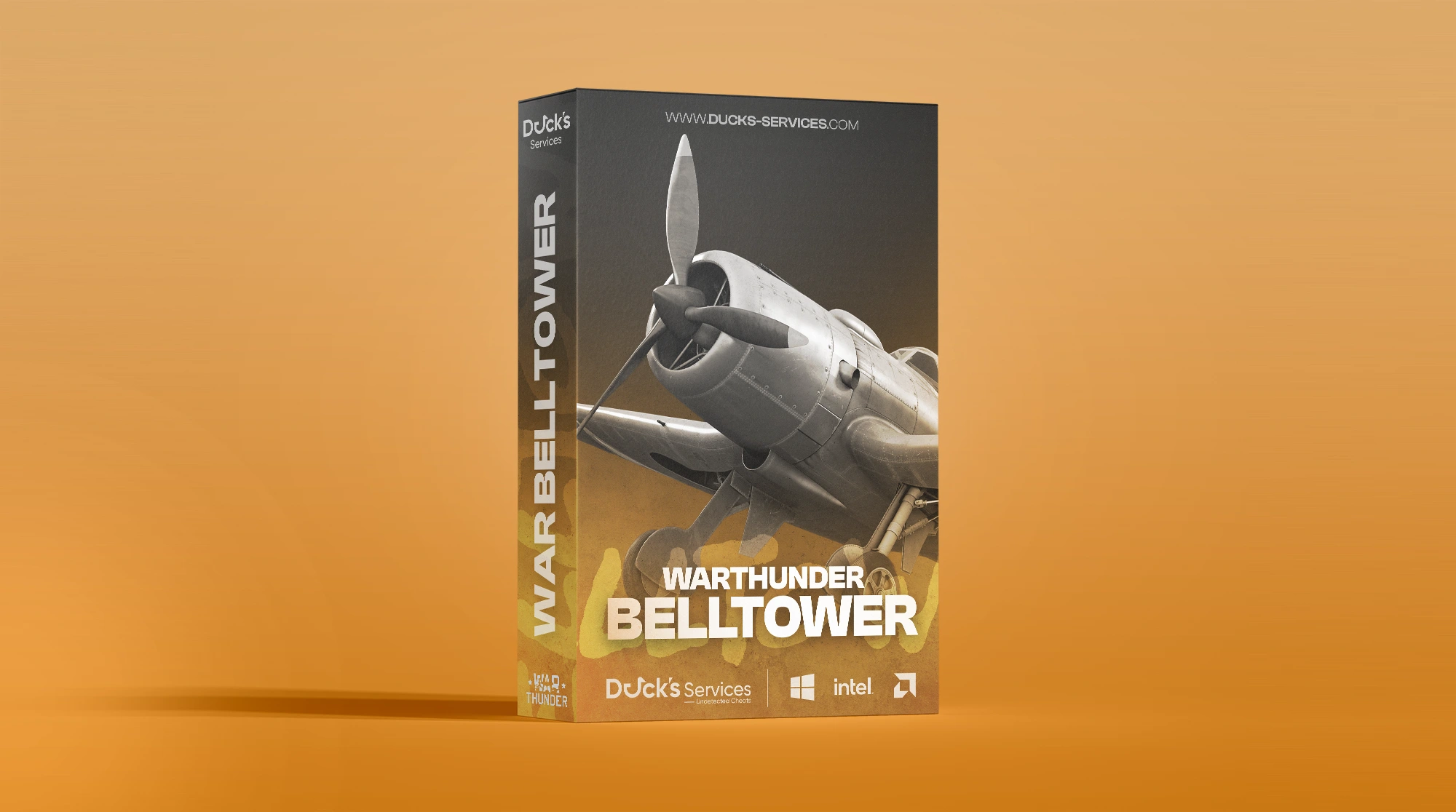
War Thunder BellTower
-
UndetectedWindows 10 & 11 Instant Delivery
$3.99
Requirements
- Supported CPU: Intel & AMD
- Supported Windows Version: Windows 10 - 11
Aimbot
- Aim Lock — Enable or disable automatic target locking
- Vehicle Target Point — Configurable targeting point for vehicles
- Smooth Aim — Smoothed aim movement for more controlled tracking
- Automatic Ballistic Prediction — Automatically accounts for projectile travel and drop
- Fallback Lead — Adjustable fallback targeting lead in milliseconds
- Field of View — Restrict target acquisition to your selected FOV
- FOV Circle — Display the active aiming field of view
- FOV Radius — Fully adjustable aiming radius
- Lock Indicator — On-screen indicator when a target is locked
- Visible Targets Only — Only target units currently visible
- Target Filters — Enemies / Teammates / NPCs
- Maximum Distance — Adjustable maximum targeting distance
Player & Vehicle ESP
- Player / Team ESP — Display player-controlled and team units
- Bounding Box — Customizable box style around units
- Box Background Fill — Optional filled box background
- Box Fill Opacity — Adjustable background transparency
- Box Outline — Enable or disable box outlining
- Box Thickness — Adjustable line thickness
- Snap Lines — Draw directional lines to tracked units
- Unit Name — Display the unit or vehicle name
- Vehicle Class — Display the vehicle classification
- Army Number — Display the associated army number
- Relation / Status — Display team relation and current unit status
- Distance Indicator — Show distance to each tracked unit
- Health Bar — Visual health display
- Health Percentage — Display exact remaining health percentage
- Unit Center Marker — Display a marker at the center of the unit
- Center Marker Radius — Adjustable center marker size
- Movement Direction — Display current unit movement direction
- Direction Line Length — Adjustable movement direction line length
- Vehicle Units Only — Filter ESP to vehicle units only
- Visibility-Based Colors — Automatically change colors based on visibility
- Show Teammates — Enable or disable teammate ESP
- Show Destroyed Units — Display destroyed vehicles and units
- Off-Screen Arrows — Directional indicators for units outside your screen
- Maximum Distance — Adjustable ESP render distance
Unclassified & AI Units
- Show Unclassified Units — Display AI and unidentified units
- Visibility-Based Colors — Dynamic coloring based on visibility
- Unit Name — Display detected unit name
- Distance Indicator — Show distance to the unit
- Health Bar — Display remaining unit health
- Unit Status — Display current status information
- Off-Screen Arrows — Directional indicators for off-screen units
- Show Destroyed Units — Display destroyed AI and unclassified units
- Maximum Distance — Adjustable maximum ESP distance
Projectile & Ballistic ESP
- Projectile / Ballistic ESP — Display active projectiles and ballistic information
- Predicted Ballistic Arc — Visualize the expected projectile trajectory
- Projectile Speed / Drop — Display projectile velocity and drop information
- Local Projectiles Only — Restrict visualization to locally relevant projectiles
- Maximum Distance — Adjustable projectile visualization range
Radar
- Enable Radar — Enable or disable the radar overlay
- Radar Size — Adjustable radar dimensions
- Detection Range — Adjustable radar tracking range
- Radar Header — Show or hide the radar header
- Radar Border — Show or hide the radar border
- Radar Background — Enable or disable the radar background
- Cardinal Lines — Display directional reference lines
- Line Opacity — Adjustable cardinal line transparency
- Show Players — Display player-controlled units
- Show NPCs — Display AI-controlled units
- Show Destroyed Units — Display destroyed units on radar
- Visibility-Based Colors — Dynamic radar coloring based on visibility
- Entity Dot Size — Adjustable radar entity marker size
- Player Marker Size — Adjustable player marker size
- Smooth Rotation — Smooth radar rotation and movement
Complete Customization
- Color Customization — Complete RGBA / HEX interface color customization
- Crosshair Presets — Multiple configurable crosshair styles
- FPS Display — Real-time FPS counter
- Resolution Display — Display current screen resolution
- Coordinates & Current Time — On-screen position and system time information
- Movement Information — Display local movement data
- Camera Information — Display relevant camera information
- Local Combat HUD — Additional local combat information overlay
There are no reviews to display.
![R6 Caruso 30 Days [DMA]](https://ducks-services.com/uploads/monthly_2026_01/R6S-Caruso-DMA.webp.5df9e541b4e58bf9995c5f07c28ce679.webp)
![EFT + Arena Synthetic Skill 30 Days [DMA]](https://ducks-services.com/uploads/monthly_2026_07/EFT-Synthetic.webp.325ab981e524682fe87f0c16aff4a4af.webp)