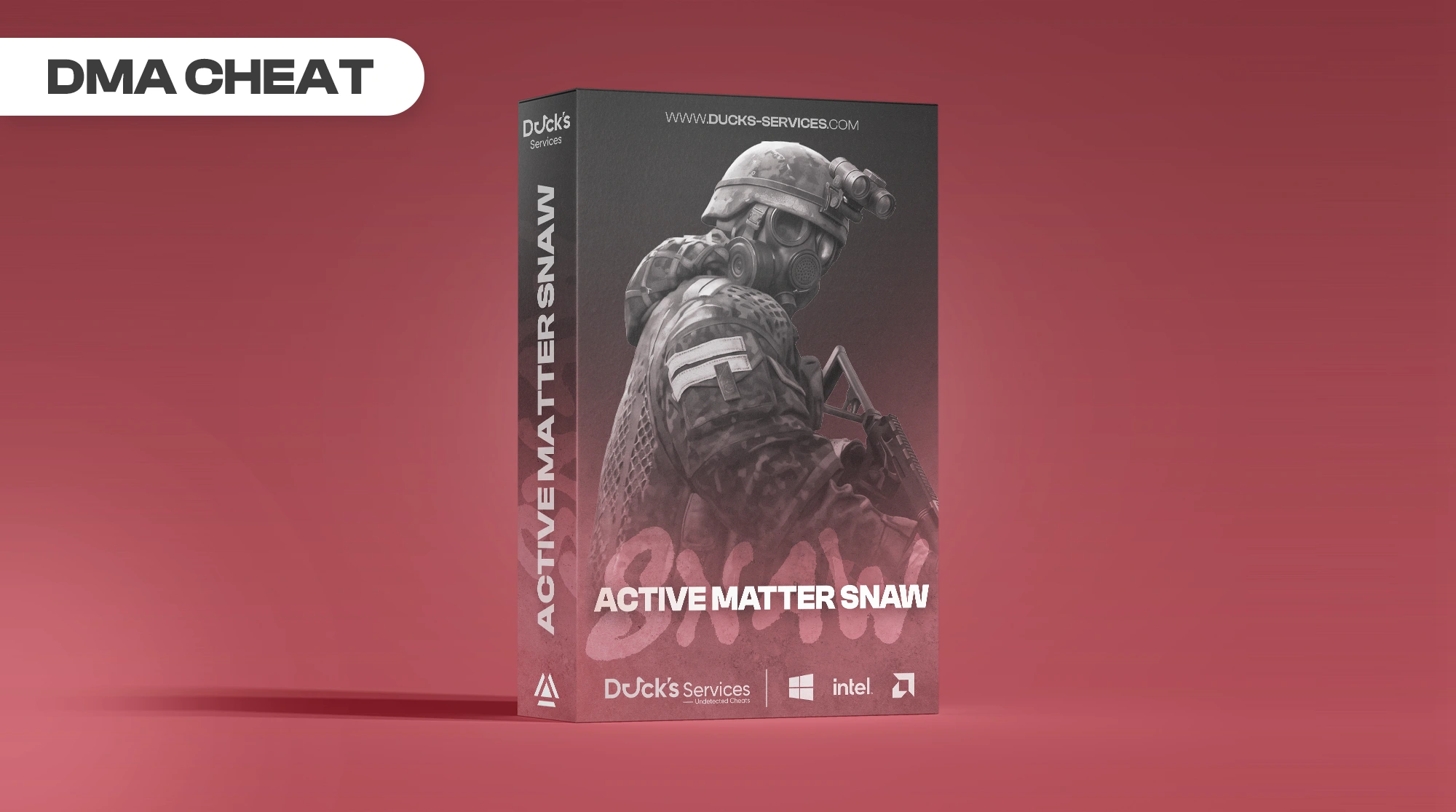
Active Matter Snaw [DMA]
-
UndetectedWindows 10 & 11 Instant Delivery
$14.99
Product Images
![Active Matter Snaw [DMA]](https://ducks-services.com/uploads/monthly_2026_10/Screenshot2026-10-03180427.webp.76cf3f0aff8299cab8204bde7034c6d6.webp)
![Active Matter Snaw [DMA]](https://ducks-services.com/uploads/monthly_2026_10/Screenshot2026-10-03180432.webp.0d48d58ea77e4d187af161ab0e3c3cc1.webp)
![Active Matter Snaw [DMA]](https://ducks-services.com/uploads/monthly_2026_10/Screenshot2026-10-03180436.webp.a8a2008d2ae07b7552f31739f4f8cf5b.webp)
Requirements
ESP
- Player ESP: Boxes, names, distance, health, skeleton, and snaplines
- Bot / Guard ESP: Separate colors with the same player ESP features
- Creature ESP: All creature types with individual colors
- Dead Body ESP
- Loot ESP: Ground items with rarity colors
- Container ESP: Locked, unlocked, opened, and empty states, contents preview, and loot presets
- Extraction Point ESP: Open / closed status, countdown timer, and zone radius
- Trap / Hazard ESP: Gravity, singularity, repulsion, null-G, shear, anomaly traps, and swarms
- Vehicle ESP: Occupied status, fuel, and trunk contents
- Character Model Rendering: 3D models through walls with wireframe, solid, and chams modes
- Aim Dot: Visual aim indicator without mouse movement
- Ammo Counter HUD
- Player Stats HUD: Heart rate, stamina, breath, and pain
- Team Badge
- Platform Icons: PC, PlayStation, and Xbox
- Weapon Display: Other players’ held weapon names and types
Aim
- Aimbot: FOV selection with EMA / linear smoothing
- Bullet Prediction: Velocity tracking and weapon-specific bullet speeds
- Bone Selection: Head, neck, chest, pelvis, or closest bone
- Camera-Local Aiming: Supports leaning and gravity zones
- Triggerbot
Players Tab
- Separate Players / Bots tabs
- Click-to-expand player loadouts
- Equipment: Helmet, armor with durability, backpack, and suit
- Weapons & Attachments: Scope, muzzle, grip, and magazine
- Inventory List: Rarity colors and item prices
- Total Loot Value
- Platform Column
Loot Filters
- Category Toggles: Weapons, ammo, medical items, armor, keys, and more
- Rarity Toggles: Common, uncommon, rare, epic, and legendary
- Minimum Value Filter
- Per-Item Overrides: Show / hide, color, and distance
- Searchable Item Table: 2,321 items
- Right-Click Menu: Add items to filter lists
- Custom Filter Lists: Create, edit, and delete named lists
Creature Filters
- Individual Toggles: 37 creature types
- Per-Type Settings: Color, distance, and opacity
- Per-Type Distance Override Toggle
- Custom Filter Lists
- Right-Click Context Menu
ESP Customizer
- Box Styles: Corner, full, 3D, and rounded
- Box Settings: Fill, outline, thickness, and rounding
- Text Settings: Position, outline style, and team colors
- Health Bar Styles: Left, right, bottom, or number
- Health Gradient Colors
- Skeleton Settings: Colors, thickness, and joint dots
- Snapline Thickness
- Per-Class Colors: Enemy, teammate, bot, and creature
- Live 3D Model Preview with Orbit Camera
Radar / Minimap
- Map Texture Background: Automatically loads for each level
- Rotate-with-Player / North-Up Modes
- Entity Layers: Players, creatures, loot, extraction points, hazards, and vehicles
- Battle Area Circle with Outside Dimming
- Storm Zone Circle
- Building Labels & Outlines
- Key Rooms
- Compass, Zoom, and Drag Controls
Web Radar
- Browser-Based Top-Down Map: localhost:8888
- Map Image with Battle Area Overlay
- All Entities, Hazards, Vehicles, and Containers
- Building Labels & Key Rooms
- Rotate-with-Me Mode
- Automatic Raid Detection
Configs
- Cloud Config Profiles: snaw.cc
- Community Config Browser & Upload
- All Settings Saved
Devices
- Mouse Support: Ferrum, KMBox Net / Serial, MAKCU, CatBox, and Arduino / CH9329
- Controller Support: XInput via DMA
Settings
- Overlay Settings
- DMA Settings
- Keybinds
There are no reviews to display.
![R6 Caruso 30 Days [DMA]](https://ducks-services.com/uploads/monthly_2026_01/R6S-Caruso-DMA.webp.5df9e541b4e58bf9995c5f07c28ce679.webp)
![EFT + Arena Synthetic Skill 30 Days [DMA]](https://ducks-services.com/uploads/monthly_2026_07/EFT-Synthetic.webp.325ab981e524682fe87f0c16aff4a4af.webp)