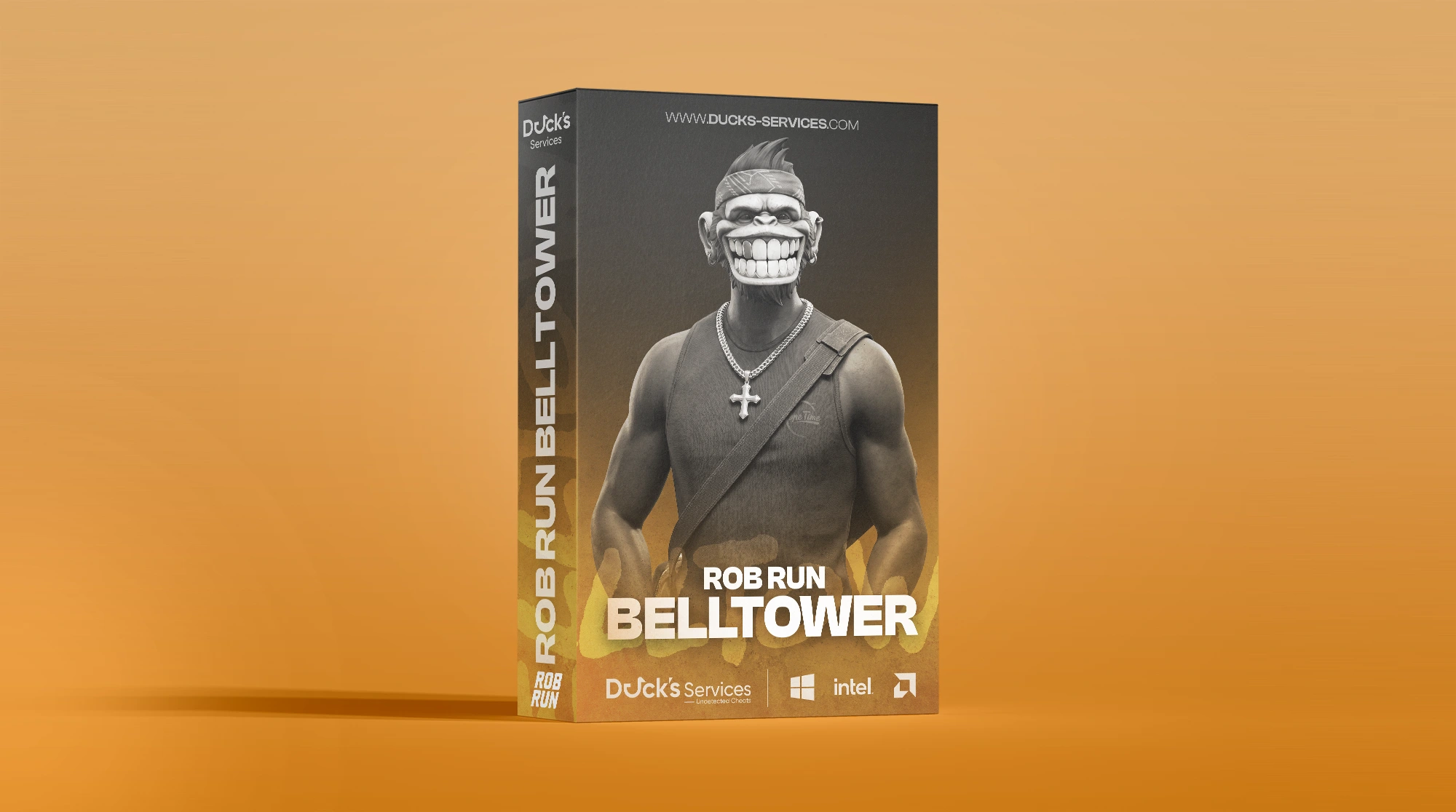
ROB RUN BellTower
-
Undetected
Requirements
- Supported CPU: Intel & AMD
- Supported Windows Version: Windows 10 - 11
Aimbot
- Enable / Disable Aimbot
- Lock Only Visible Targets
- Keep Target While Held
- Target Bone Selection
- Adjustable Aim Response
- Configurable Aimbot Hold Key
- Movement Prediction
- Target Movement Tracking
- FOV Circle
- Adjustable FOV Radius
- Target Filters — Players / NPCs
- Adjustable Maximum Range
- Enable / Disable Auto Fire
- Hold-to-Activate Auto Fire
- Automatic Firing Using In-Game Target Selection
Note: Auto Fire uses the game's target selection and weapon timing. The configured Aimbot key must be held to activate it.
Visuals & Entity ESP
- Enable / Disable ESP Overlay
- Visibility Check
- Configurable Bounding Box
- Configurable Snap Lines
- Player Name
- Clan Tag
- Player Role
- Equipped Weapon
- Armor / Character Status
- Distance Indicator
- Category Labels
- Off-Screen Arrows
- Nearest Target Marker
- Skeleton Overlay
- Adjustable Text Size
- Adjustable Line Thickness
- Local Player Information — Health / Armor / Ammo
- Adjustable Maximum Distance
- Show Players
- Show NPCs
- Hide Dead Characters
- Role-Based Player Filters — Cops / Robbers / Other Roles
Object ESP
- Vehicle ESP
- Loot / Loot Node ESP
- Container ESP
- Grenade ESP
- Hide Empty / Taken Loot
- Grenade Detonation Timer
- Grenade Throw Trajectory
Note: Grenade trajectories are displayed while preparing a throw. Detonation timers appear when the grenade's detonation time is available.
Object ESP uses the maximum display distance configured in the Visuals section.
Radar
- Enable / Disable Radar
- Top-Down Minimap
- Movable Radar Position
- Save Radar Position Through Settings
- Radar Filters — Players / Team / NPCs / Items / Objects
- Hide Dead Characters
- Hide Empty / Taken Items
- Visibility Check
- Adjustable Radar Size
- Adjustable Detection Range
- Show / Hide Radar Header
- Show / Hide Radar Border
- Display Background
- Cardinal Lines
- Adjustable Line Opacity
- Adjustable Entity Dot Size
- Adjustable Center Marker Size
- Rotate With Camera
- Smooth Rotation
- Adjustable Rotation Speed
Note: Player markers exclude teammates, which are controlled separately through the Team filter. Items include loot, while Objects include vehicles, containers, and grenades.
Radar filters and detection range work independently from the Visuals and Object ESP settings.
Miscellaneous
- Crosshair Overlay
- Configurable Crosshair Style
- Override Camera FOV
- No Recoil — Prevents weapon kick from moving your aim
- No Spread — Removes local shot dispersion
Colors
- Player & Entity Colors — Players / Teammates / NPCs / Visibility Indicators
- World Object Colors — Vehicles / Loot / Containers / Grenades
- Radar Colors — Background / Border / Center / Player Marker
- Crosshair Color
- RGBA Color Customization
- Adjustable Red, Green & Blue Values
- Adjustable Alpha / Transparency
Settings
- Multiple Configuration Profiles
- Profile Selection
- Refresh Profile List
- Save Profile
- Load Profile
- Reset Profile
- Create New Profile — Custom profile name
- Application Information — ROB RUN Overlay
Hotkeys
- Toggle Menu Hotkey
- Toggle Overlay Hotkey
- Panic Key — Disable all
- Aimbot Hold Key
There are no reviews to display.