





🎉 Our new website is live! Thanks for your patience as we finish fixing a few visual bugs. ×
Duck's Services

ROB RUN Arcane

Undetected4 access options

Requirements

Windows 10 or 11, 64-bitKeep Windows fully updated before your first session. Other operating systems and virtual machines are not supported.
Your own ROB RUN Arcane accountAccess is tied to the account you play on. Use an account you own, with two-factor authentication turned on.
No other tools runningClose overlays, macros and anything from another provider before you launch. Running two tools together is the quickest way to lose an account.

Features

12 groups

Aimbot

Weapon Categories – Separate settings for General / Pistols / Rifles / and Other weapons.Enable – Toggle the aimbot on or off.Keybind – Set the aimbot activation key.Force Aim Key – Assign a key to force aiming.In Scope – Activate only while aiming down sights.Lock Target – Keep aim locked onto a target.Shift to Head – Aim at the head while holding Shift.Max Distance – Set the maximum targeting distance.Target Switch Delay – Adjust the delay before switching targets.Humanization System – Adjust the strength of human-like aiming movement.Ignore Dead – Exclude dead targets.Ignore in Vehicle – Exclude targets inside vehicles.Ignore Knocked – Exclude knocked targets.Target – Choose target categories / including Police / Robbers / Civilians / and NPCs.Bone Selection Method – Choose between selected bones and the nearest bone.Target Bones – Select target points such as Head / Neck / Torso / and Pelvis.Activation – Choose between Hold and Always active modes.Prediction – Predict target movement with adjustable prediction strength.Prediction Cross – Display a prediction crosshair with adjustable size.Adaptive FOV – Enable an adaptive targeting area.Draw FOV Border – Display the targeting area border with adjustable thickness.Draw FOV Background – Add a background to the targeting area.Draw Locked Target – Highlight the currently locked target.FOV Size – Adjust the size of the targeting area.Smoothness – Adjust how smoothly aim moves toward the target.
Player ESP

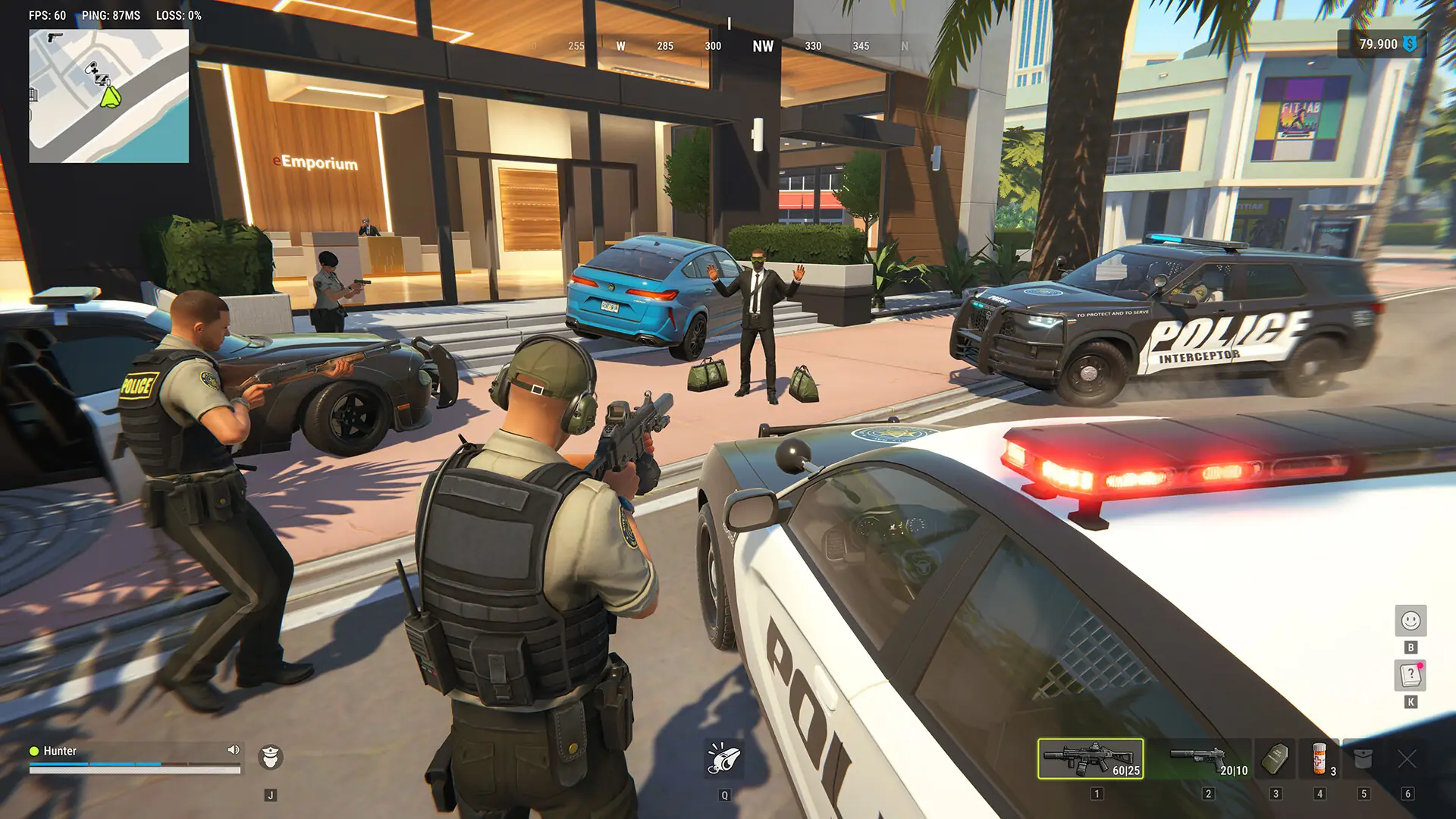
Categories – Configure ESP for Police / Robbers / and Civilians.Enable – Toggle player ESP on or off.ESP Preview – Preview your ESP settings.ESP Style – Choose a display style with or without a background.Max Distance – Set the maximum player ESP distance.Bounding Box – Display 2D or 3D boxes with full or corner styles.Box Height – Adjust bounding box height.Box Width – Adjust bounding box width.Fill Box – Fill boxes with a solid color or gradient.Skeleton – Display skeletons with adjustable thickness / a head circle / and distance fading.Line to Enemy – Draw snaplines with customizable color and position.Hide Dead – Hide dead players.Hide Team – Hide teammates.Team Colors – Customize teammate box and skeleton colors.Hide Knocked – Hide knocked players.Knocked Colors – Customize box and skeleton colors for knocked players.Name – Display player names.Clan Tag – Display clan tags.Role – Display player roles.Held Item – Display the item a player is holding.Armor – Display player armor.State – Display player state.Health – Display player health.In Vehicle – Indicate when a player is inside a vehicle.Colors in Vehicle – Customize box and skeleton colors for players inside vehicles.Distance – Display player distance.ID – Display player IDs.

NPC ESP

Enable – Toggle NPC ESP on or off.ESP Preview – Preview your NPC ESP settings.ESP Style – Choose a display style with or without a background.Max Distance – Set the maximum NPC ESP distance.Hide Dead – Hide dead NPCs.Bounding Box – Display 2D or 3D boxes with full or corner styles.Name – Display NPC names.State – Display NPC state.Distance – Display NPC distance.

Vehicle ESP

Enable – Toggle vehicle ESP on or off.ESP Style – Choose a display style with or without a background.Max Distance – Set the maximum vehicle ESP distance.Only Occupied – Display only occupied vehicles.Hide Own Vehicle – Hide your owned vehicle.Hide Vehicle I Am In – Hide the vehicle you currently occupy.Bounding Box – Display 2D or 3D boxes with full or corner styles.Front Face – Highlight the front face of the vehicle box with optional fill.Fill Box – Fill vehicle boxes with a solid color or gradient.Line to Vehicle – Draw snaplines with customizable color and position.Vehicle Name – Display vehicle names.Distance – Display vehicle distance.Owner – Display the vehicle owner.Driver – Display the vehicle driver.Speed – Display vehicle speed.Status – Display vehicle status.

Camera ESP

Enable – Toggle camera ESP on or off.Max Distance – Set the maximum camera ESP distance.Distance – Display camera distance.Hide Broken – Hide broken cameras.Colors – Customize colors for normal cameras / broken cameras / and alarm states.View Zone – Display camera viewing zones with optional fill.

Item ESP

Enable – Toggle item ESP on or off.Max Distance – Set the maximum item ESP distance.Distance – Display item distance.Hide Empty – Hide empty objects.Objects – Filter objects such as Loot / Loot Points / Cargo / and Cash Loaders.Loot Categories – Filter loot by Weapons / Ammo / Armor / Equipment / and more.

Radar

Enable – Toggle the radar on or off.Distance Rings – Display distance rings on the radar.FOV Cone – Display your field of view on the radar.Scale by Distance – Scale markers based on distance.Zoom – Adjust radar zoom.Size – Adjust radar size.Transparency – Adjust radar transparency.Entities – Choose which entities appear / including Police / Robbers / Civilians / and NPCs.Max Distance – Set the maximum radar distance.Show on Rim – Display markers at the edge of the radar.

Off-Screen Arrows

Enable – Toggle off-screen indicators.Range – Adjust the radius of the indicators.Size – Adjust indicator size.Max Distance – Set the maximum distance for off-screen indicators.

Miscellaneous

No Recoil – Remove weapon recoil.No Sway – Remove weapon sway.No Spread – Remove weapon spread.

Combat Mode

Keybind – Assign a key to activate combat mode.Show Indicator – Display a combat mode indicator.Compact Info – Use a compact information display.Hide Dead – Hide dead entities.Hide Radar – Hide the radar during combat mode.Hide Off-Screen – Hide off-screen indicators.Hide – Select categories to hide / including Police / Robbers / Others / and Vehicles.

Settings

Menu Key – Set the key used to open the menu.Unload Key – Set the key used to unload the software.DPI Scale – Choose interface scaling at 100% / 125% / or 150%.VSync – Toggle vertical synchronization.FPS Limit – Set the frame rate limit.Theme – Choose between Dark and Light themes.Watermark – Toggle the on-screen watermark.Layout – Choose a single-column or two-column menu layout.Language – Select the menu language.

Configurations

Create New – Create a new configuration.Load – Load a saved configuration.Save – Save your current settings.Edit Name – Rename a configuration.Remove – Delete a configuration.

Help me choose

Seven quick questions. One setup that fits.

Which games are you running?

Grouped by anti-cheat. Pick every game you play.

Easy Anti-Cheat
Vanguard (VGK)
BattlEye
Ricochet
Javelin
Other anti-cheats
Other games

Write a review

Search Duck’s

ESC
↑↓ to explore ↵ to open

Your cart

0 items

Your cart is empty.

Choose a game or browse DMA hardware.

Browse games Explore hardware
English ·USD