Note: Auto Fire uses the game's target selection and weapon timing. The configured Aimbot key must be held to activate it.
Note: Grenade trajectories are displayed while preparing a throw. Detonation timers appear when the grenade's detonation time is available.
Object ESP uses the maximum display distance configured in the Visuals section.
Note: Player markers exclude teammates, which are controlled separately through the Team filter. Items include loot, while Objects include vehicles, containers, and grenades.
Radar filters and detection range work independently from the Visuals and Object ESP settings.
Requirements
Supported CPUIntel & AMD
Supported Windows VersionWindows 10 - 11
Features
8 groups
Aimbot
Enable / Disable AimbotLock Only Visible TargetsKeep Target While HeldTarget Bone SelectionAdjustable Aim ResponseConfigurable Aimbot Hold KeyMovement PredictionTarget Movement TrackingFOV CircleAdjustable FOV RadiusTarget Filters — Players / NPCsAdjustable Maximum RangeEnable / Disable Auto FireHold-to-Activate Auto FireAutomatic Firing Using In-Game Target Selection
Visuals & Entity ESP
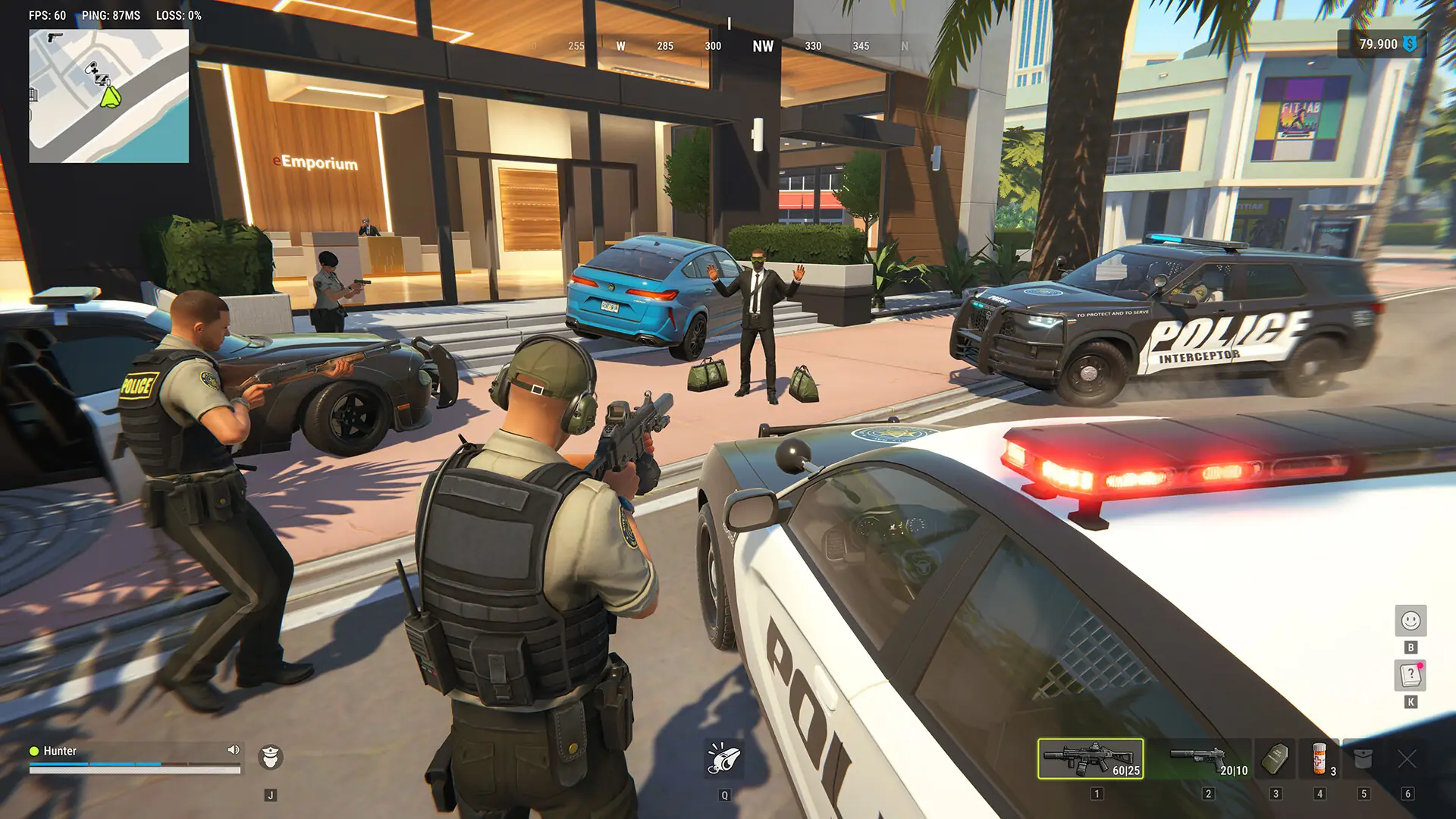
Enable / Disable ESP OverlayVisibility CheckConfigurable Bounding BoxConfigurable Snap LinesPlayer NameClan TagPlayer RoleEquipped WeaponArmor / Character StatusDistance IndicatorCategory LabelsOff-Screen ArrowsNearest Target MarkerSkeleton OverlayAdjustable Text SizeAdjustable Line ThicknessLocal Player Information — Health / Armor / AmmoAdjustable Maximum DistanceShow PlayersShow NPCsHide Dead CharactersRole-Based Player Filters — Cops / Robbers / Other Roles
Enable / Disable RadarTop-Down MinimapMovable Radar PositionSave Radar Position Through SettingsRadar Filters — Players / Team / NPCs / Items / ObjectsHide Dead CharactersHide Empty / Taken ItemsVisibility CheckAdjustable Radar SizeAdjustable Detection RangeShow / Hide Radar HeaderShow / Hide Radar BorderDisplay BackgroundCardinal LinesAdjustable Line OpacityAdjustable Entity Dot SizeAdjustable Center Marker SizeRotate With CameraSmooth RotationAdjustable Rotation Speed
Miscellaneous
Crosshair OverlayConfigurable Crosshair StyleOverride Camera FOVNo Recoil — Prevents weapon kick from moving your aimNo Spread — Removes local shot dispersion
Colors
Player & Entity Colors — Players / Teammates / NPCs / Visibility IndicatorsWorld Object Colors — Vehicles / Loot / Containers / GrenadesRadar Colors — Background / Border / Center / Player MarkerCrosshair ColorRGBA Color CustomizationAdjustable Red / Green & Blue ValuesAdjustable Alpha / Transparency
Settings
Multiple Configuration ProfilesProfile SelectionRefresh Profile ListSave ProfileLoad ProfileReset ProfileCreate New Profile — Custom profile nameApplication Information — ROB RUN Overlay
Hotkeys
Toggle Menu HotkeyToggle Overlay HotkeyPanic Key — Disable allAimbot Hold Key