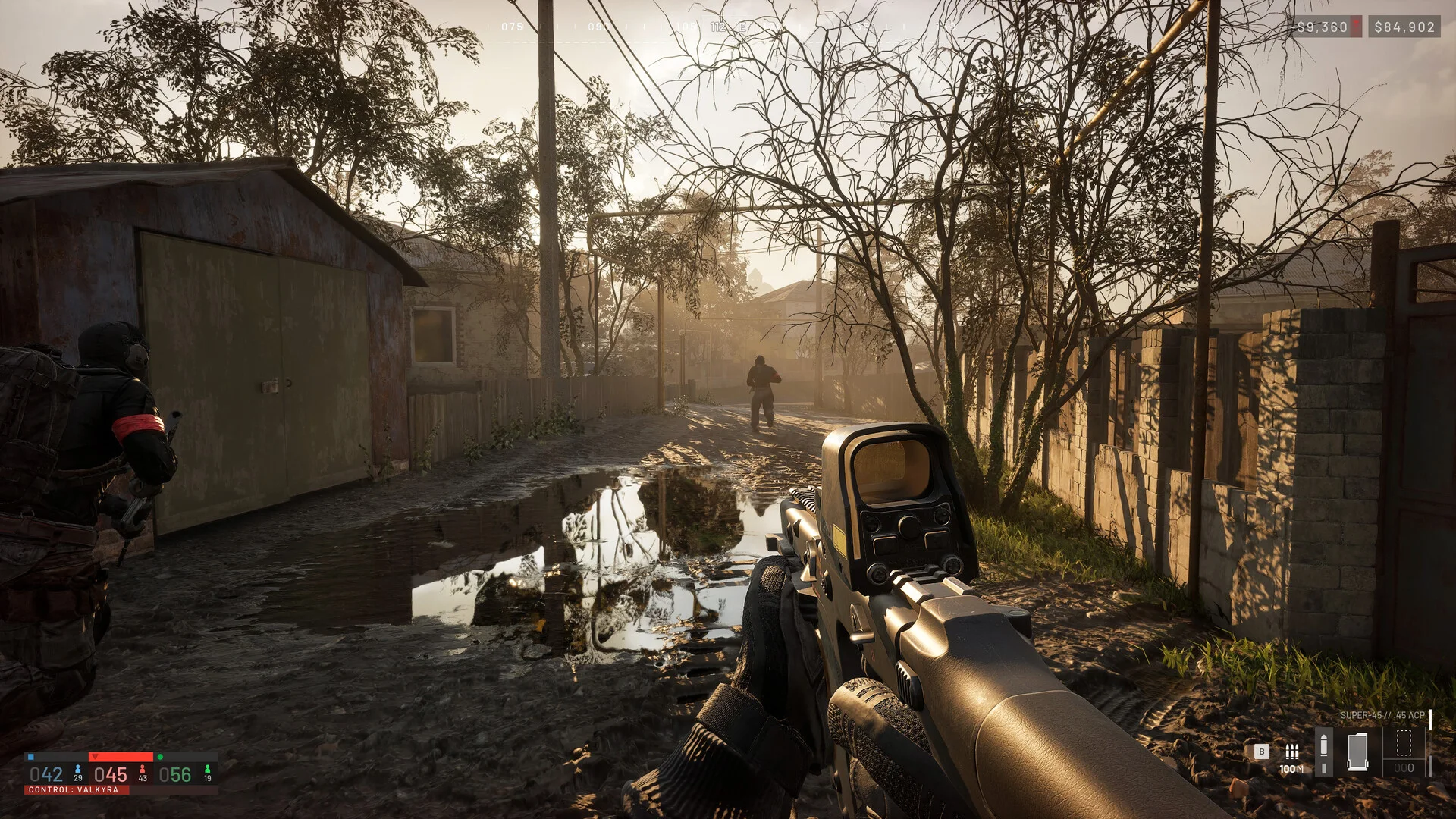
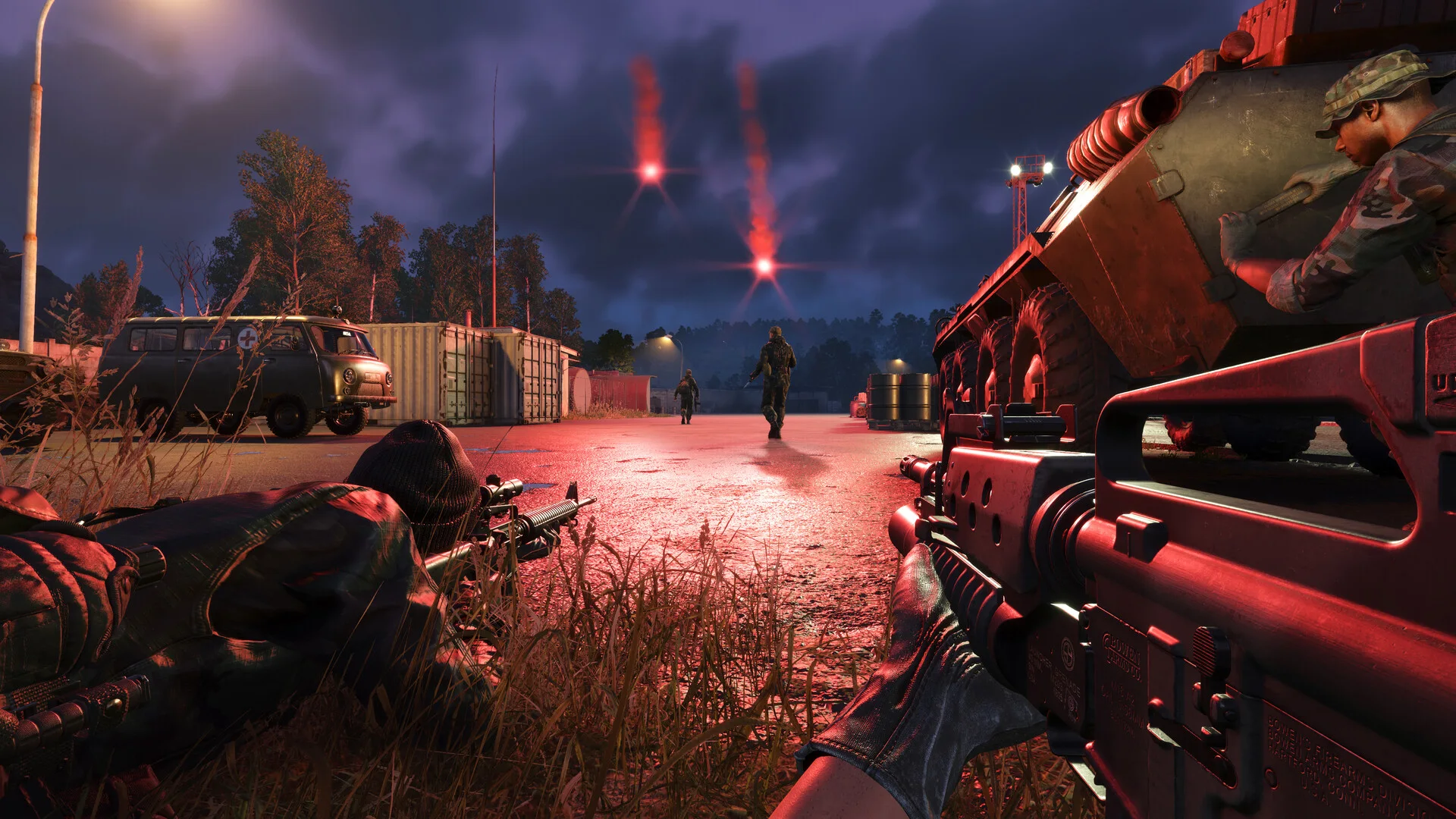
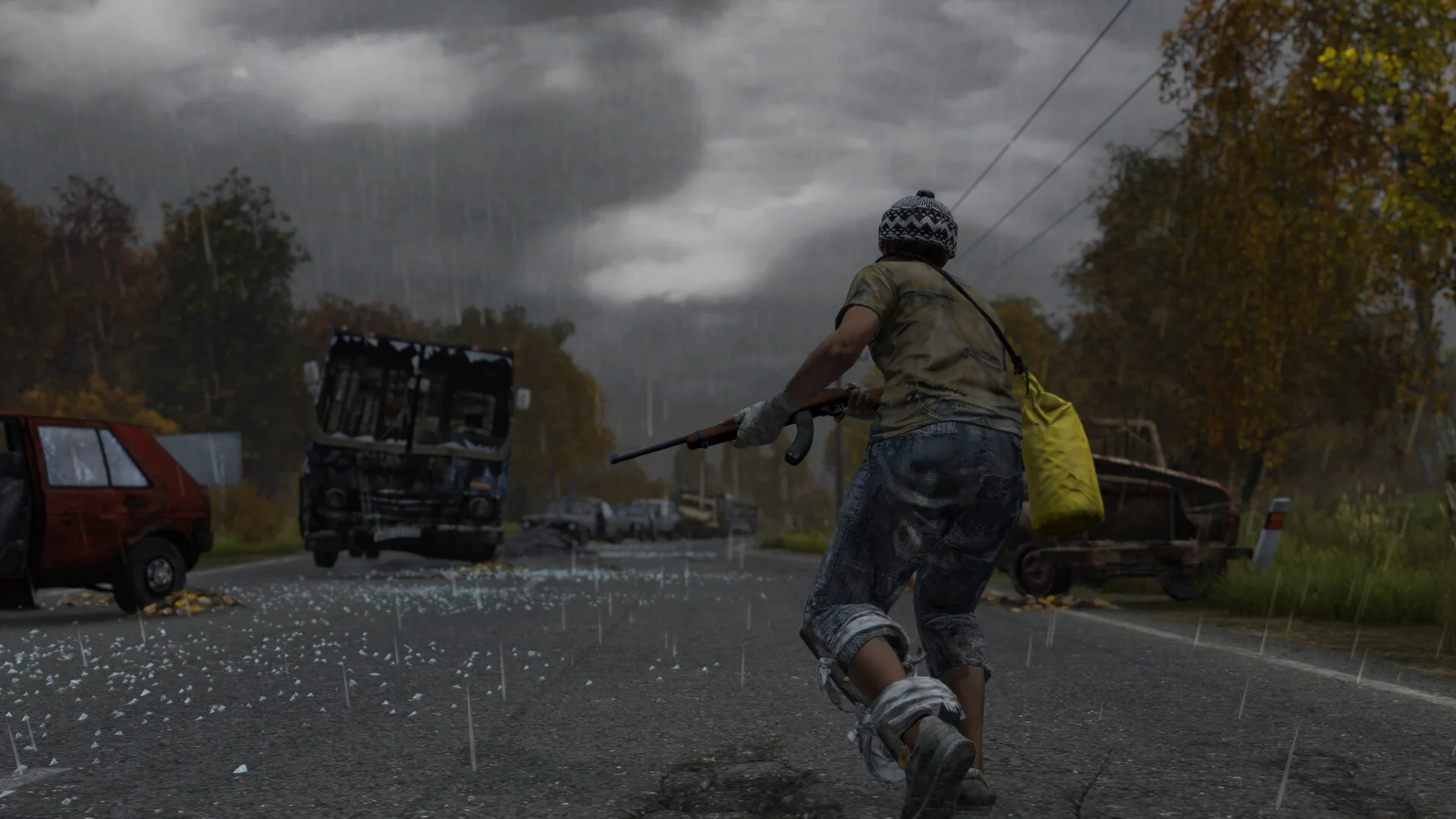
Bounding Box – Draws a box around players for visibility.Snap Lines – Lines from your screen center to targets.Name – Displays player names.Distance – Shows range to each player.Health – Renders health bars above players.Skeleton – Outlines bone structure for tracking.Direction – Displays facing direction arrows.Head Dot – Marks head position for quick aiming.Show Friendly – Highlight teammates.Show Enemy – Highlight opponents.Show Held Item – Display currently equipped weapon/item.Show NPCs – Marks AI bots or NPC entities.Show Corpse – ESP for fallen players/bodies.Show Visible – Marks when a player is in line-of-sight.Max Distance – Set maximum ESP range.
Aimbot
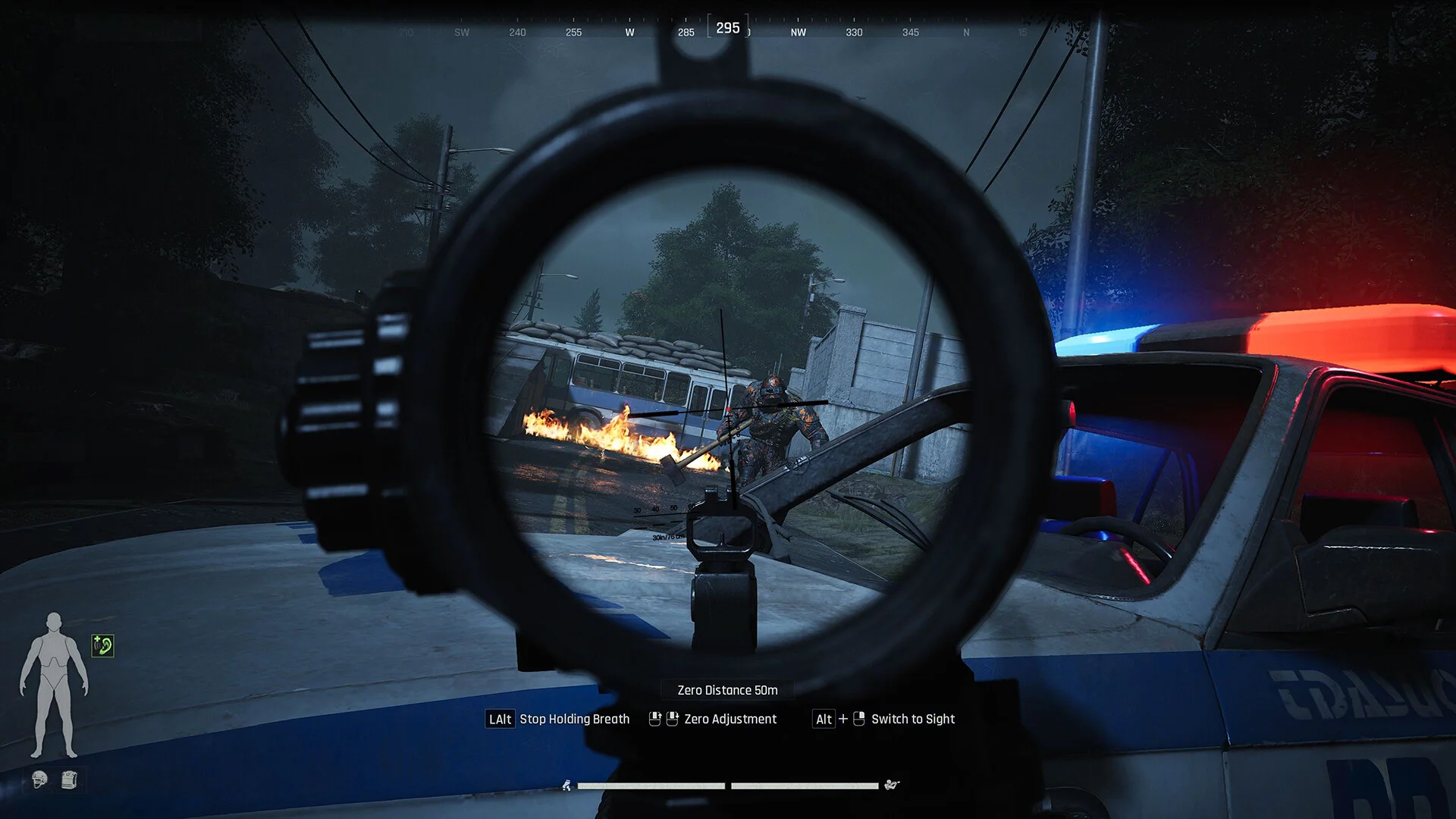
Hotkey – Bind a key to activate aim assist.Bone Options – Choose hit area: head / chest / pelvis.Aim Style Options – Select targeting type: Silent / Mouse.Aim Smooth – Adjust smoothness for natural tracking.Aim Prediction – Predicts target movement for accuracy.Field of View – Set targeting cone size.Show Locked – Visually mark locked targets.Locked on Visible – Only lock onto visible players.Aim on Enemy – Prioritize enemy players.Aim on Friendly – Enable/disable teammate targeting.Aim on NPC – Target AI bots/NPCs.Max Distance – Set maximum aim distance.
Objects
Show Weapon Case – Highlights weapon containers.Show Safe Box – Marks hidden loot safes.Show Airdrop – Display airdrop crates on ESP.Show First Aid – Highlights medkits and health supplies.Show Toolbox – Marks tool containers.Show Ammo Box – ESP for ammo storage.Max Distance – Set maximum ESP range for objects.