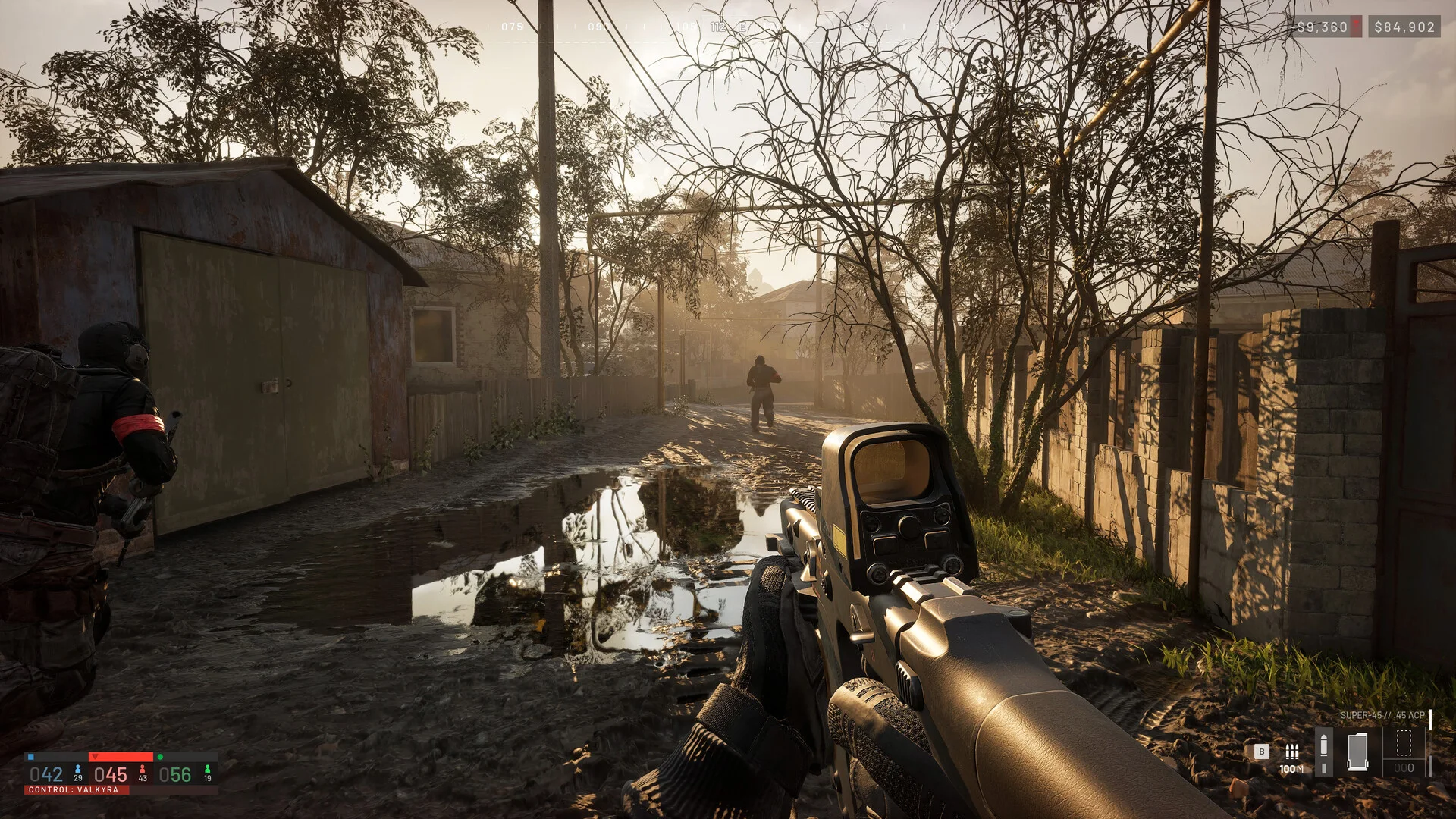
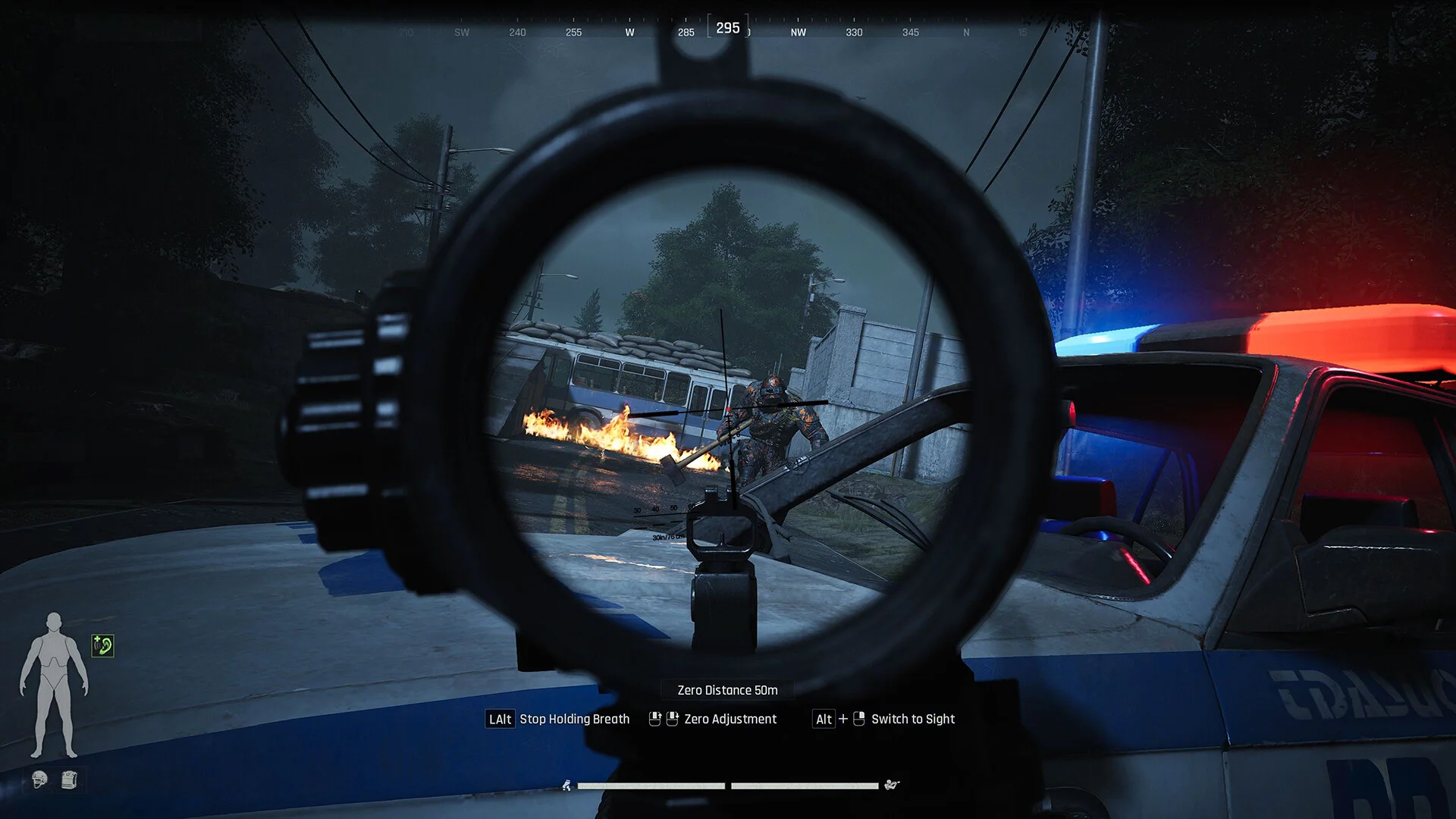
Aim Lock — Enable or disable automatic target lockingVehicle Target Point — Configurable targeting point for vehiclesSmooth Aim — Smoothed aim movement for more controlled trackingAutomatic Ballistic Prediction — Automatically accounts for projectile travel and dropFallback Lead — Adjustable fallback targeting lead in millisecondsField of View — Restrict target acquisition to your selected FOVFOV Circle — Display the active aiming field of viewFOV Radius — Fully adjustable aiming radiusLock Indicator — On-screen indicator when a target is lockedVisible Targets Only — Only target units currently visibleTarget Filters — Enemies / Teammates / NPCsMaximum Distance — Adjustable maximum targeting distance
Player & Vehicle ESP
Player / Team ESP — Display player-controlled and team unitsBounding Box — Customizable box style around unitsBox Background Fill — Optional filled box backgroundBox Fill Opacity — Adjustable background transparencyBox Outline — Enable or disable box outliningBox Thickness — Adjustable line thicknessSnap Lines — Draw directional lines to tracked unitsUnit Name — Display the unit or vehicle nameVehicle Class — Display the vehicle classificationArmy Number — Display the associated army numberRelation / Status — Display team relation and current unit statusDistance Indicator — Show distance to each tracked unitHealth Bar — Visual health displayHealth Percentage — Display exact remaining health percentageUnit Center Marker — Display a marker at the center of the unitCenter Marker Radius — Adjustable center marker sizeMovement Direction — Display current unit movement directionDirection Line Length — Adjustable movement direction line lengthVehicle Units Only — Filter ESP to vehicle units onlyVisibility-Based Colors — Automatically change colors based on visibilityShow Teammates — Enable or disable teammate ESPShow Destroyed Units — Display destroyed vehicles and unitsOff-Screen Arrows — Directional indicators for units outside your screenMaximum Distance — Adjustable ESP render distance
Unclassified & AI Units
Show Unclassified Units — Display AI and unidentified unitsVisibility-Based Colors — Dynamic coloring based on visibilityUnit Name — Display detected unit nameDistance Indicator — Show distance to the unitHealth Bar — Display remaining unit healthUnit Status — Display current status informationOff-Screen Arrows — Directional indicators for off-screen unitsShow Destroyed Units — Display destroyed AI and unclassified unitsMaximum Distance — Adjustable maximum ESP distance
Projectile & Ballistic ESP
Projectile / Ballistic ESP — Display active projectiles and ballistic informationPredicted Ballistic Arc — Visualize the expected projectile trajectoryProjectile Speed / Drop — Display projectile velocity and drop informationLocal Projectiles Only — Restrict visualization to locally relevant projectilesMaximum Distance — Adjustable projectile visualization range
Radar
Enable Radar — Enable or disable the radar overlayRadar Size — Adjustable radar dimensionsDetection Range — Adjustable radar tracking rangeRadar Header — Show or hide the radar headerRadar Border — Show or hide the radar borderRadar Background — Enable or disable the radar backgroundCardinal Lines — Display directional reference linesLine Opacity — Adjustable cardinal line transparencyShow Players — Display player-controlled unitsShow NPCs — Display AI-controlled unitsShow Destroyed Units — Display destroyed units on radarVisibility-Based Colors — Dynamic radar coloring based on visibilityEntity Dot Size — Adjustable radar entity marker sizePlayer Marker Size — Adjustable player marker sizeSmooth Rotation — Smooth radar rotation and movement
Complete Customization
Color Customization — Complete RGBA / HEX interface color customizationCrosshair Presets — Multiple configurable crosshair stylesFPS Display — Real-time FPS counterResolution Display — Display current screen resolutionCoordinates & Current Time — On-screen position and system time informationMovement Information — Display local movement dataCamera Information — Display relevant camera informationLocal Combat HUD — Additional local combat information overlay