Jump to content
duckservices-logo
Duck's Services - Your #1 Provider
Experience Gaming
to the fullest with
Duck's Services

All Activity

This stream auto-updates

  1. Today
  2. never see @Fohh open a single ticket in his life
  3. Yesterday
  4. Included

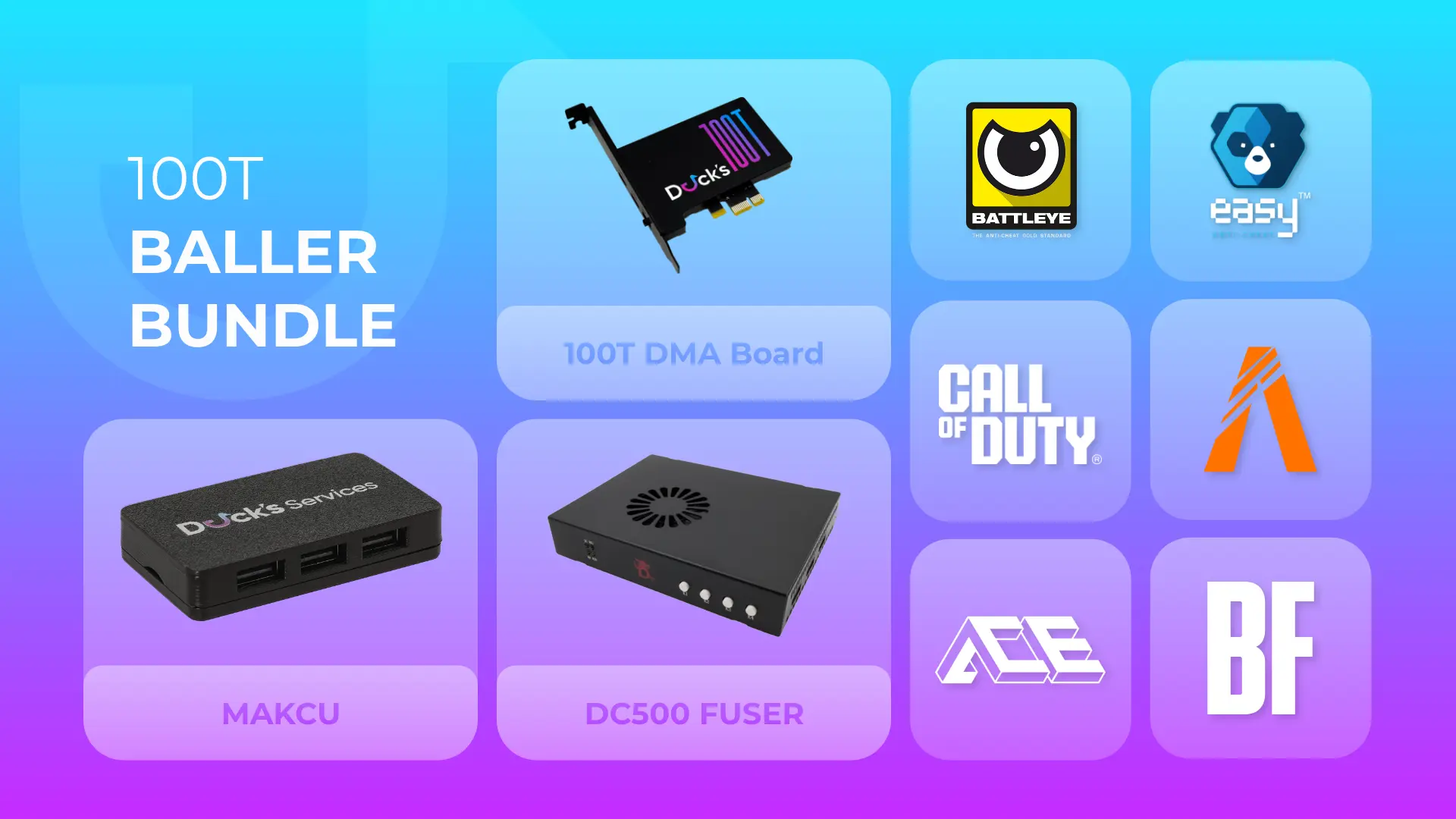
    • 1x Duck's DMA - 4K BAAN Fuser (Refurbished)
    • 1x USB-C Cable
    • 3x Display Port Cables
    • 1x 12V Power Cable 

    Note

    • Item is refurbished - this unit has been inspected and tested to ensure full functionality.

    Core Features

    • DisplayPort DP 1.4 fuser / fusion device
    • Hardware-level screen fusion for dual-PC setups
    • Seamless switching with no scaling, flicker, or black screens
    • Equal performance for both main and secondary PCs
    • Low, consistent latency
    • EDID auto-adaptation (no manual injection required)

    Supported Resolutions & Refresh Rates

    • 3840×2160 (4K): 60Hz / 120Hz / 144Hz
    • 2560×1440: 144Hz / 240Hz / 260Hz
    • 1920×1080: up to 500Hz
    • Color Format: YCbCr 4:2:2
    • Color Depth: 8-bit
    • Custom resolutions and 3440×1440 ultrawide are not supported

    Monitor Compatibility

    • LCD / IPS / VA monitors
    • OLED monitors not supported
    • Best suited for traditional high-refresh gaming displays

    Ports & Connectivity

    • DP Input 1: Secondary PC GPU
    • DP Input 2: Main PC GPU
    • DP Output: Monitor
    • DC 12V Power Input (12V 2A)
    • USB-C: Debug / upgrade only (not for power)

    Controls & Indicators

    • Power, DP1, DP2, and Fuse status LEDs
    • Physical buttons for:
    • DP1 single-screen display
    • DP2 single-screen display
    • Fuse intensity adjustment
    • Factory reset button
    • Dedicated power ON/OFF switch

    Physical Specifications

    • Dimensions: 168 × 98 × 40 mm
    • Weight: ~1 kg

    Recommended Use Case

    • Dual-PC DMA setups using non-OLED monitors
    • High-refresh 1080p and 1440p LCD displays
    • Users who do not require OLED or ultrawide support

    Information

    • A fuser is used for combining two screens into one, basically meaning that the screen displayed on computer (B) is perfectly integrated and fitted into the (A) computer screen, which is safe and stable, with low and consistent latency. Used for overlaying ESP on a DMA setup.

    Games that require a KM Box / Makcu & Fuser

    • Apex
    • COD
    • CS2 / FaceIT
    • Fortnite
    • PUBG 
    • RS6
    • The Finals
    • Valorant


    Frequently Asked Questions

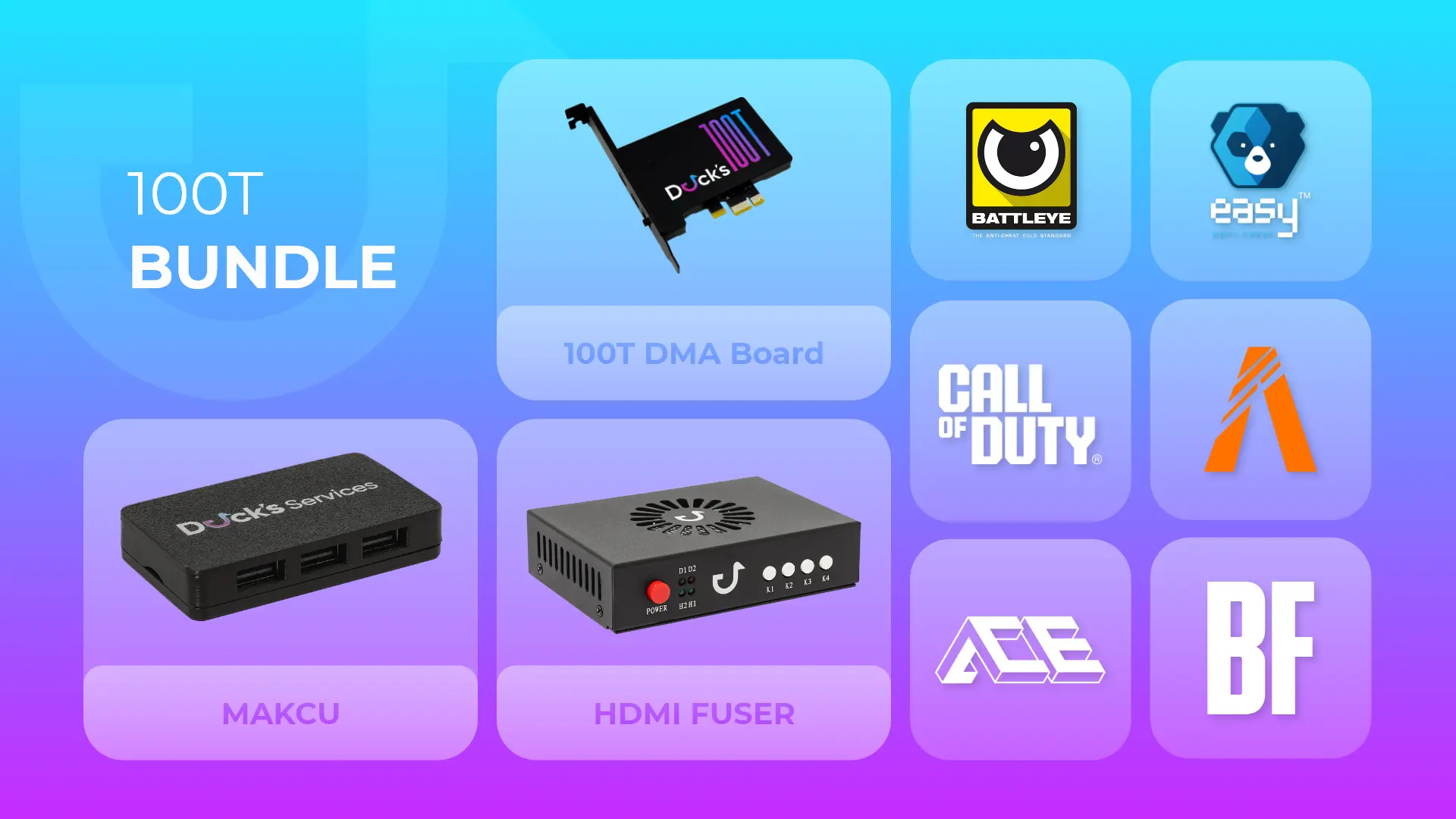
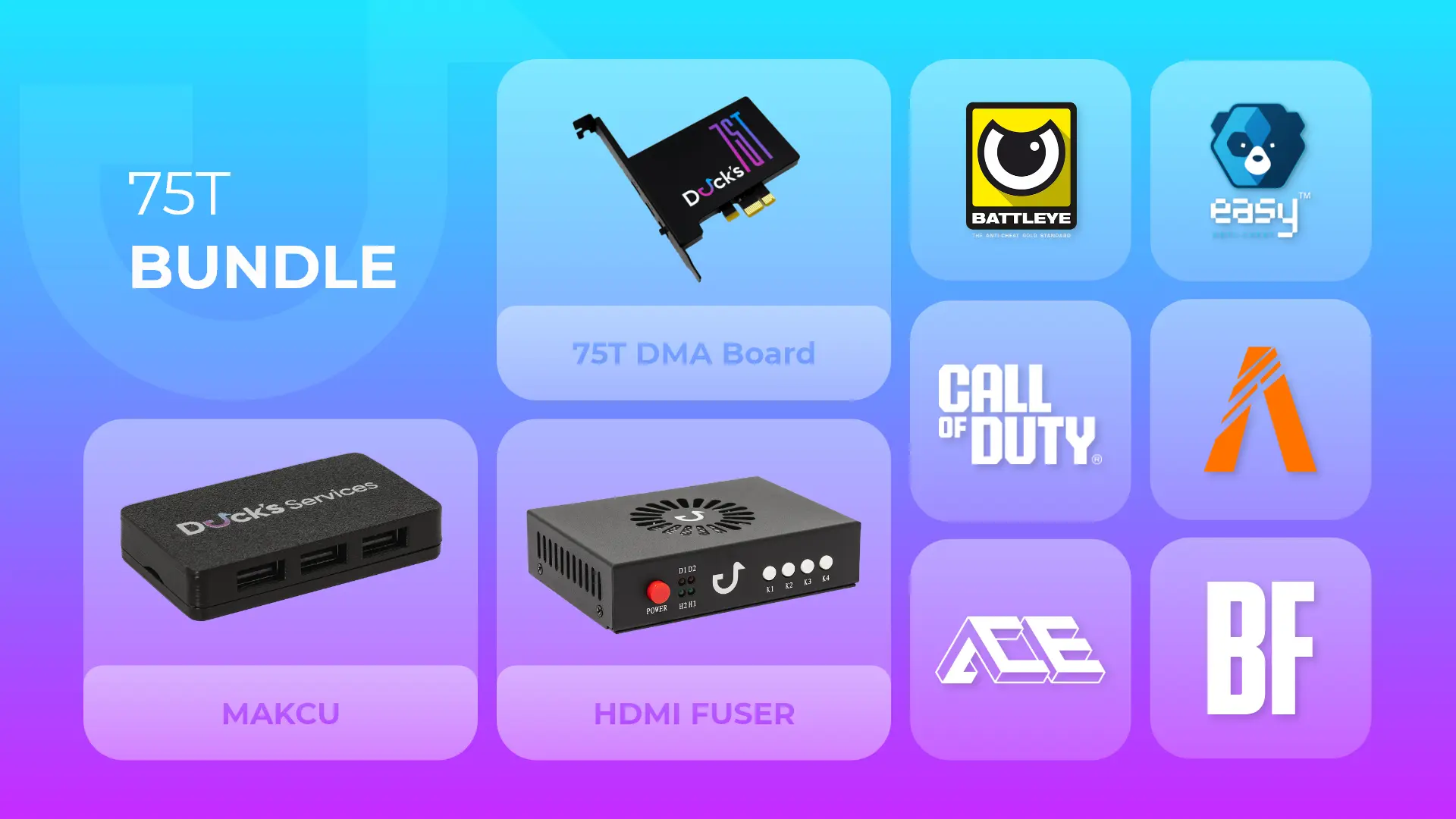
    What is the difference between the 35T, 75T, and 100T DMA Cards?

    • The Artix-7 100T is the newest and most powerful model, offering the highest logic cell count and fastest data throughput of the three. The 75T remains a balanced, high-performance option with 10–15% faster read/write speeds and better memory handling than the 35T. The 35T serves as a budget-friendly choice for basic use, while the 75T and 100T provide higher stability and precision for advanced setups.


    What’s the Difference Between KM Box and Makcu?

    • KM Box still works for basic spoofing needs, especially on older setups, but it’s starting to show its age with limited features and higher detection risk. KM Net is the newer model with hardware encoding, while B+ supports Python scripting but is older and less efficient. Makcu offers a more modern, open-source solution with true USB passthrough, better performance, and stronger anti-cheat safety. For most users in 2025, Makcu is the more reliable and future-proof choice.


    What is Emulated Firmware?

    • Emulated firmware is enhanced 1:1 Custom FW that is more secure and is backed with a driver for the emulated device. This firmware will not have a yellow exclamation mark in device manager because it is backed by a driver.


    Do I need a second PC?

    • Yes — DMA cards require a dual-PC setup. The target PC runs the game, while the host PC handles the DMA operations. This separation ensures full security and zero in-game detection risk.


    Can you help me install it?

    • Yes — our 24/7 support team provides free setup assistance through Discord. We can guide you through both the firmware installation and loader configuration process.


    Is using DMA hardware safe?

    • Yes — all our hardware and firmware are developed for maximum safety. When used correctly, it keeps your main PC isolated from detection vectors.


    Is there a warranty?

    • If the product is defective upon arrival, we will provide a free return and replacement. All hardware orders include a one-month warranty. Firmware warranties are listed above.


    Do you accept returns?

    • Upon shipment, the order is non-refundable.


    From where do you ship?

    • We ship from the United States.


    How long takes the shipping usually?

    • We guarantee to ship your product within 0-2 business days from the date of purchase.


    How long will it take for my order to arrive?

    • Once your order is shipped, the estimated delivery time will be provided by the shipping carrier. Shipping to the US takes 2-4 business days. Worldwide shipping can take up to 1 week.


    Can I track my order?

    • Yes, we provide tracking information for all shipped orders. You will receive a tracking number via email once your order is dispatched. You can use this tracking number to monitor the progress of your shipment on the shipping carrier’s website.
    FROM $349.99 $500
  5. Last week
  6. @everyone
  7. @everyone
  8. Requirements

    Visual ESP

    • Show Players – Toggle player ESP on/off
    • Show Box – Adjustable box style (CornerBox / Full Box)
    • Show Skeleton – Display player bones with adjustable width
    • Show Head – Highlight player heads
    • Show Distance – Display range to target
    • Show Name – Show player names (custom color)
    • Show Health – Dynamic health bar
    • Show Shield – Visualize shield/armor
    • Show Team ID – Identify teammates and squads
    • Adjustable ESP Distance (up to 500m)
    • Adjustable Box Thickness & Skeleton Width
    • Info Text Size Control
    • Custom Color Config (Box, Skeleton, Hidden, Line, Name, Distance, Downed)
    • Live ESP Preview – Real-time render window for box/skeleton visualization

    Settings & Performance

    • Init Settings: One-click initialization (Mode 1 ready)
    • Menu Toggle Key: HOME
    • Init Hotkey: INS
    • Fuser Mode: ON / OFF
    • V-Sync: ON / OFF
    • Boost FPS: ON / OFF (High CPU threading)
    • Show FPS: ON / OFF
    • Custom Widget Color
    • Font Border Color

    Modules & Interface

    • Visual – Complete ESP & display customization (Coming Soon)
    • Items – Loot/item ESP module (Coming Soon)
    • Container – Show interactable containers (Coming Soon)
    • Radar – External 2D radar (Coming Soon)
    • Aimbot – Precision aim assist logic (Coming Soon)
    • Settings – Initialization, performance tuning, hotkeys
    FROM $2.99
  9. Requirements

    Visual ESP

    • Show Players – Toggle player ESP on/off
    • Show Box – Adjustable box style (CornerBox / Full Box)
    • Show Skeleton – Display player bones with adjustable width
    • Show Head – Highlight player heads
    • Show Distance – Display range to target
    • Show Name – Show player names (custom color)
    • Show Health – Dynamic health bar
    • Show Shield – Visualize shield/armor
    • Show Team ID – Identify teammates and squads
    • Adjustable ESP Distance (up to 500m)
    • Adjustable Box Thickness & Skeleton Width
    • Info Text Size Control
    • Custom Color Config (Box, Skeleton, Hidden, Line, Name, Distance, Downed)
    • Live ESP Preview – Real-time render window for box/skeleton visualization

    Settings & Performance

    • Init Settings: One-click initialization (Mode 1 ready)
    • Menu Toggle Key: HOME
    • Init Hotkey: INS
    • Fuser Mode: ON / OFF
    • V-Sync: ON / OFF
    • Boost FPS: ON / OFF (High CPU threading)
    • Show FPS: ON / OFF
    • Custom Widget Color
    • Font Border Color

    Modules & Interface

    • Visual – Complete ESP & display customization (Coming Soon)
    • Items – Loot/item ESP module (Coming Soon)
    • Container – Show interactable containers (Coming Soon)
    • Radar – External 2D radar (Coming Soon)
    • Aimbot – Precision aim assist logic (Coming Soon)
    • Settings – Initialization, performance tuning, hotkeys
    FROM $69.99
  10. Requirements

    Visual ESP

    • Show Players – Toggle player ESP on/off
    • Show Box – Adjustable box style (CornerBox / Full Box)
    • Show Skeleton – Display player bones with adjustable width
    • Show Head – Highlight player heads
    • Show Distance – Display range to target
    • Show Name – Show player names (custom color)
    • Show Health – Dynamic health bar
    • Show Shield – Visualize shield/armor
    • Show Team ID – Identify teammates and squads
    • Adjustable ESP Distance (up to 500m)
    • Adjustable Box Thickness & Skeleton Width
    • Info Text Size Control
    • Custom Color Config (Box, Skeleton, Hidden, Line, Name, Distance, Downed)
    • Live ESP Preview – Real-time render window for box/skeleton visualization

    Settings & Performance

    • Init Settings: One-click initialization (Mode 1 ready)
    • Menu Toggle Key: HOME
    • Init Hotkey: INS
    • Fuser Mode: ON / OFF
    • V-Sync: ON / OFF
    • Boost FPS: ON / OFF (High CPU threading)
    • Show FPS: ON / OFF
    • Custom Widget Color
    • Font Border Color

    Modules & Interface

    • Visual – Complete ESP & display customization (Coming Soon)
    • Items – Loot/item ESP module (Coming Soon)
    • Container – Show interactable containers (Coming Soon)
    • Radar – External 2D radar (Coming Soon)
    • Aimbot – Precision aim assist logic (Coming Soon)
    • Settings – Initialization, performance tuning, hotkeys
    FROM $34.99
  11. Requirements

    Visual ESP

    • Show Players – Toggle player ESP on/off
    • Show Box – Adjustable box style (CornerBox / Full Box)
    • Show Skeleton – Display player bones with adjustable width
    • Show Head – Highlight player heads
    • Show Distance – Display range to target
    • Show Name – Show player names (custom color)
    • Show Health – Dynamic health bar
    • Show Shield – Visualize shield/armor
    • Show Team ID – Identify teammates and squads
    • Adjustable ESP Distance (up to 500m)
    • Adjustable Box Thickness & Skeleton Width
    • Info Text Size Control
    • Custom Color Config (Box, Skeleton, Hidden, Line, Name, Distance, Downed)
    • Live ESP Preview – Real-time render window for box/skeleton visualization

    Settings & Performance

    • Init Settings: One-click initialization (Mode 1 ready)
    • Menu Toggle Key: HOME
    • Init Hotkey: INS
    • Fuser Mode: ON / OFF
    • V-Sync: ON / OFF
    • Boost FPS: ON / OFF (High CPU threading)
    • Show FPS: ON / OFF
    • Custom Widget Color
    • Font Border Color

    Modules & Interface

    • Visual – Complete ESP & display customization (Coming Soon)
    • Items – Loot/item ESP module (Coming Soon)
    • Container – Show interactable containers (Coming Soon)
    • Radar – External 2D radar (Coming Soon)
    • Aimbot – Precision aim assist logic (Coming Soon)
    • Settings – Initialization, performance tuning, hotkeys
    FROM $17.99
  12. Requirements

    Visual ESP

    • Show Players – Toggle player ESP on/off
    • Show Box – Adjustable box style (CornerBox / Full Box)
    • Show Skeleton – Display player bones with adjustable width
    • Show Head – Highlight player heads
    • Show Distance – Display range to target
    • Show Name – Show player names (custom color)
    • Show Health – Dynamic health bar
    • Show Shield – Visualize shield/armor
    • Show Team ID – Identify teammates and squads
    • Adjustable ESP Distance (up to 500m)
    • Adjustable Box Thickness & Skeleton Width
    • Info Text Size Control
    • Custom Color Config (Box, Skeleton, Hidden, Line, Name, Distance, Downed)
    • Live ESP Preview – Real-time render window for box/skeleton visualization

    Settings & Performance

    • Init Settings: One-click initialization (Mode 1 ready)
    • Menu Toggle Key: HOME
    • Init Hotkey: INS
    • Fuser Mode: ON / OFF
    • V-Sync: ON / OFF
    • Boost FPS: ON / OFF (High CPU threading)
    • Show FPS: ON / OFF
    • Custom Widget Color
    • Font Border Color

    Modules & Interface

    • Visual – Complete ESP & display customization (Coming Soon)
    • Items – Loot/item ESP module (Coming Soon)
    • Container – Show interactable containers (Coming Soon)
    • Radar – External 2D radar (Coming Soon)
    • Aimbot – Precision aim assist logic (Coming Soon)
    • Settings – Initialization, performance tuning, hotkeys
    FROM $2.99
  13. Requirements

    Aimbot

    • Kmbox / Macku /Arduino Supported

    Visuals (Fully Customizable)

    • Scavs & PMCs ESP
    • Box ESP
    • Bone ESP
    • Name ESP
    • Distance ESP
    • Health (HP) ESP
    • Weapon ESP
    • Armor Level ESP
    • Team ID ESP
    • Gear Level & Value Display
    • Thermal Check
    • Loot Box ESP
    • Combat Mode Overlay
    • Match Information
    • Ammo Type & Quality Display
    • Account Status Indicator
    • Outsight Alert System

    Containers & Items

    • Price Filter for Loot
    • High-Value Item Highlights

    Radar Systems

    • 2D Radar
    • Big Map Radar
    • Web Radar
    FROM $17.99
  14. Requirements

    Visual ESP

    • Show Players – Toggle player ESP on/off
    • Show Box – Adjustable box style (CornerBox / Full Box)
    • Show Skeleton – Display player bones with adjustable width
    • Show Head – Highlight player heads
    • Show Distance – Display range to target
    • Show Name – Show player names (custom color)
    • Show Health – Dynamic health bar
    • Show Shield – Visualize shield/armor
    • Show Team ID – Identify teammates and squads
    • Adjustable ESP Distance (up to 500m)
    • Adjustable Box Thickness & Skeleton Width
    • Info Text Size Control
    • Custom Color Config (Box, Skeleton, Hidden, Line, Name, Distance, Downed)
    • Live ESP Preview – Real-time render window for box/skeleton visualization

    Settings & Performance

    • Init Settings: One-click initialization (Mode 1 ready)
    • Menu Toggle Key: HOME
    • Init Hotkey: INS
    • Fuser Mode: ON / OFF
    • V-Sync: ON / OFF
    • Boost FPS: ON / OFF (High CPU threading)
    • Show FPS: ON / OFF
    • Custom Widget Color
    • Font Border Color

    Modules & Interface

    • Visual – Complete ESP & display customization (Coming Soon)
    • Items – Loot/item ESP module (Coming Soon)
    • Container – Show interactable containers (Coming Soon)
    • Radar – External 2D radar (Coming Soon)
    • Aimbot – Precision aim assist logic (Coming Soon)
    • Settings – Initialization, performance tuning, hotkeys
    FROM $34.99
  15. Requirements

    Visual ESP

    • Show Players – Toggle player ESP on/off
    • Show Box – Adjustable box style (CornerBox / Full Box)
    • Show Skeleton – Display player bones with adjustable width
    • Show Head – Highlight player heads
    • Show Distance – Display range to target
    • Show Name – Show player names (custom color)
    • Show Health – Dynamic health bar
    • Show Shield – Visualize shield/armor
    • Show Team ID – Identify teammates and squads
    • Adjustable ESP Distance (up to 500m)
    • Adjustable Box Thickness & Skeleton Width
    • Info Text Size Control
    • Custom Color Config (Box, Skeleton, Hidden, Line, Name, Distance, Downed)
    • Live ESP Preview – Real-time render window for box/skeleton visualization

    Settings & Performance

    • Init Settings: One-click initialization (Mode 1 ready)
    • Menu Toggle Key: HOME
    • Init Hotkey: INS
    • Fuser Mode: ON / OFF
    • V-Sync: ON / OFF
    • Boost FPS: ON / OFF (High CPU threading)
    • Show FPS: ON / OFF
    • Custom Widget Color
    • Font Border Color

    Modules & Interface

    • Visual – Complete ESP & display customization (Coming Soon)
    • Items – Loot/item ESP module (Coming Soon)
    • Container – Show interactable containers (Coming Soon)
    • Radar – External 2D radar (Coming Soon)
    • Aimbot – Precision aim assist logic (Coming Soon)
    • Settings – Initialization, performance tuning, hotkeys
    FROM $17.99
  16. Discord Review

    rui

    @everyone
  17. Solid people! Fast shipping given the holiday season! Got everything packaged nicely and was easy to setup. Helped me thru the FW flashing and made sure I had all the resources to get going. Support was great, and Im sure if I have any issues in the future they'll clear it up easily. Fuser works well, and Makcu was flawless.
  18. Discord Review

    Echo

    +W ordered Firmware, Delivered within 12hrs Just waiting on DMA bundle that should be here for 10AM 🙂
  19. Garbage. Upgraded fw for Fortnite . Never played it. Had them help me se it up and instant HWID ban. Sent me multiple drivers. Took 2 weeks to fix anything. Now im HWID banned on a game i never got to play
  20. Waited a week because it was a pre order on the fuser, and got it here 3 days after it was shipped. support was great throughout especially @zesira i’m still setting everything up but it is 10/10 so far.
  21. +rep bought fw and a fuser, plan to get cheats too. The fw was made and delivered within like an hour which was very quick. I'm having some issues on my end with it but support is doing their best to help which is great. The fuser still hasnt came yet but this was shipped with USPS, I ended up getting a second fuser with UPS (the dc500) and it is meant to be here monday. Everything is straightforward and they provide a help when needed, the guides are also very in depth and useful. Made setting up my macku super easy
  22. Discord Review

    SO416

    +Rep Bought FW, delivered in under 12h, helped me with all my questions & concerns, recommended.
  23. Discord Review

    Jun

    +rep delivery was little slow but wasn't duck's fault since of delays during the holidays I assume everything works very easy setup following the guides
  24. +rep @zesira boss shit
  25. Discord Review

    Splitz

    out of everything ive tried, everything has worked without issue, 10/10 would reccomend. Plan to buy a dma bundle soon
  26. Discord Review

    nxt

    Wanted to make another review, absolutely without a doubt THE BEST PLACE TO SHOP. Rest your eyes on this beautiful 100t
  27. Earlier
  28. Thank you zesira for all your help , explained everything in the easiest way to me and was patient while I was struggling with a few things , he is by far the best provider for gaming services I have ever dealt with , also product came on time in mint condition , thank you @zesira
  29. exceptional support, special thanks to the owner (mr. duck) bmp and zesira for their way of managing tickets and explaining everything clearly and being as sincere and honest as possible I will definitely buy from them and I recommend it to you users too @zesira @Mr. Duck @! bmpdma
  1. Load more activity
×
×
  • Create New...