
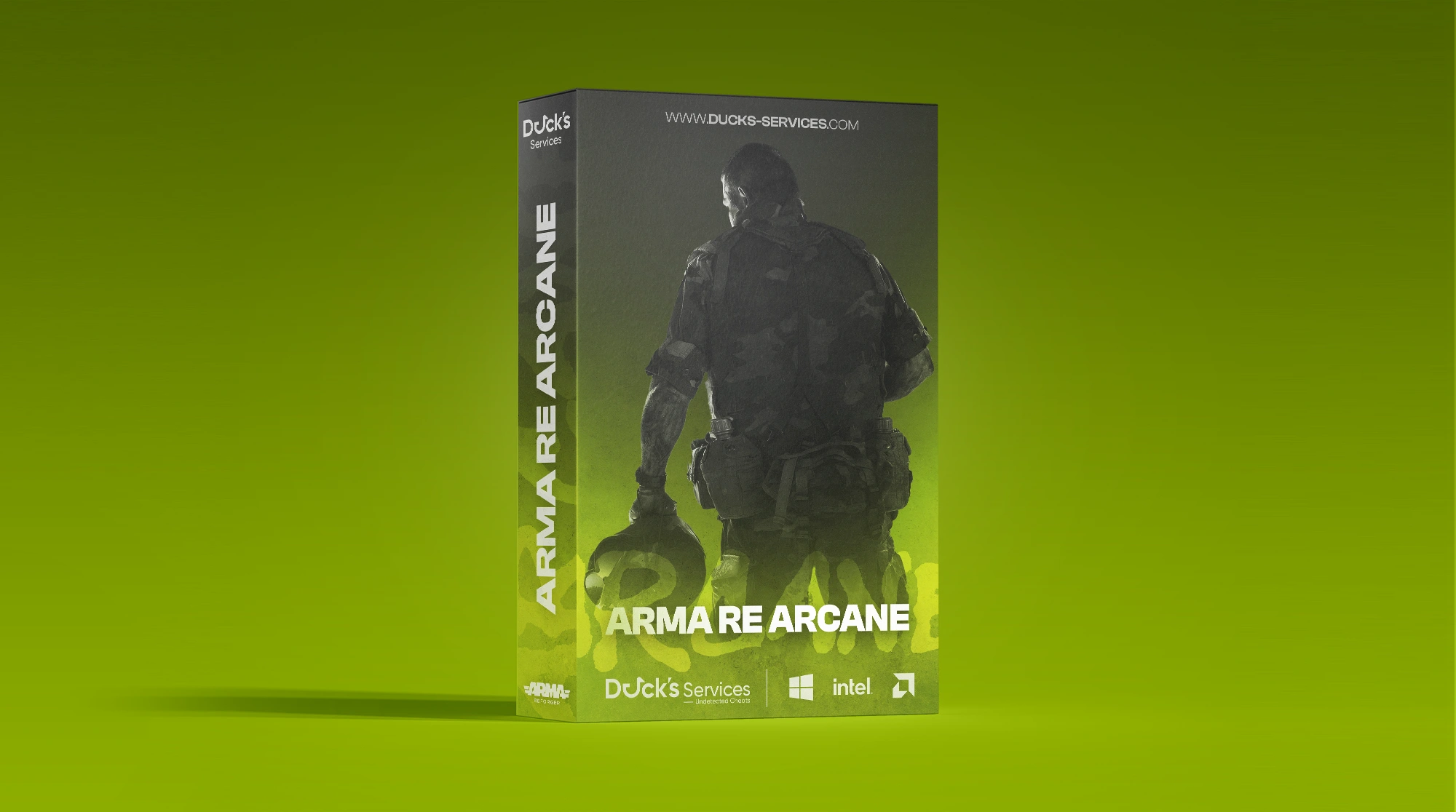
Arma Reforger Arcane
- Instant Delivery
-
Undetected
$4.99
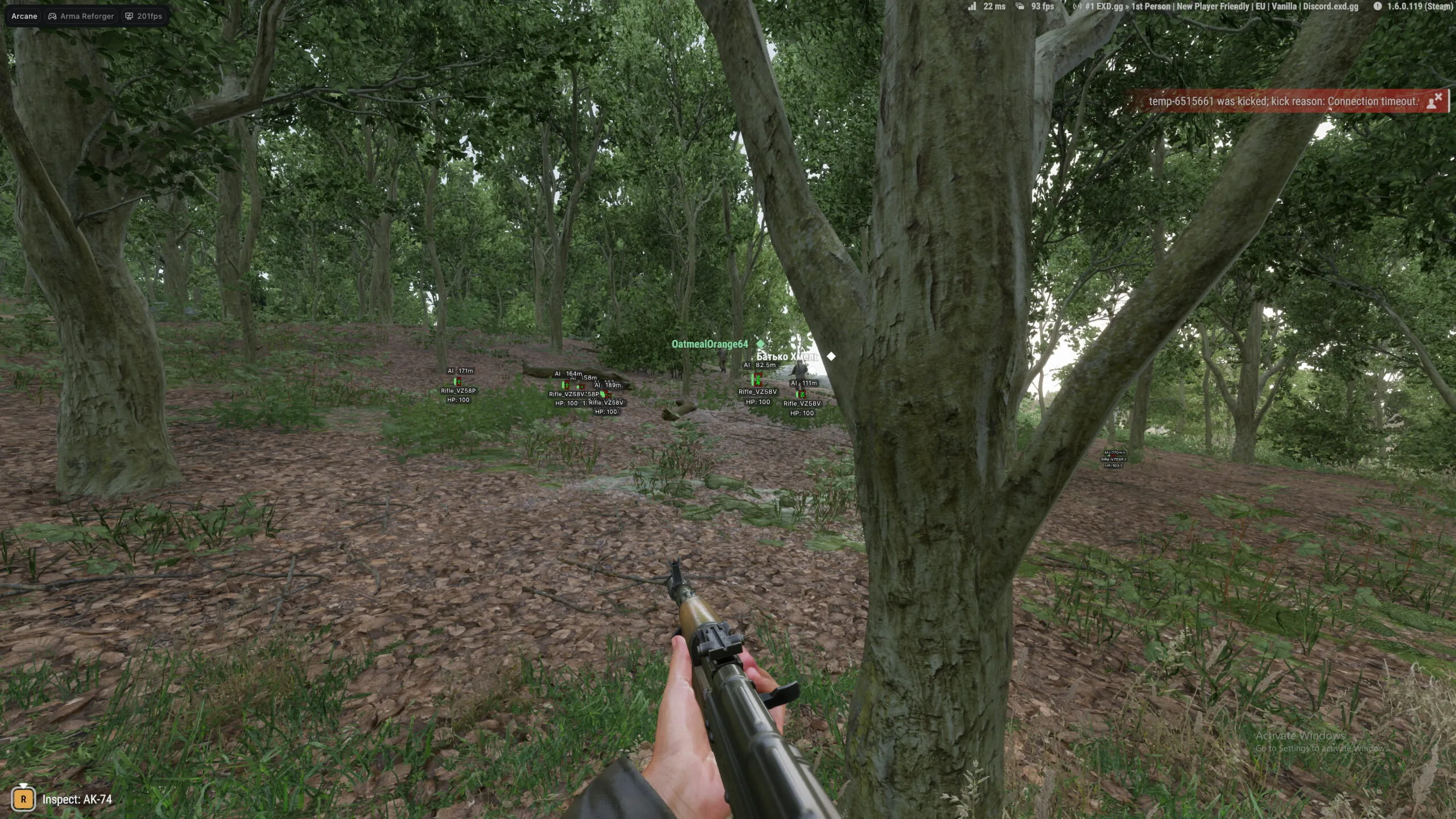
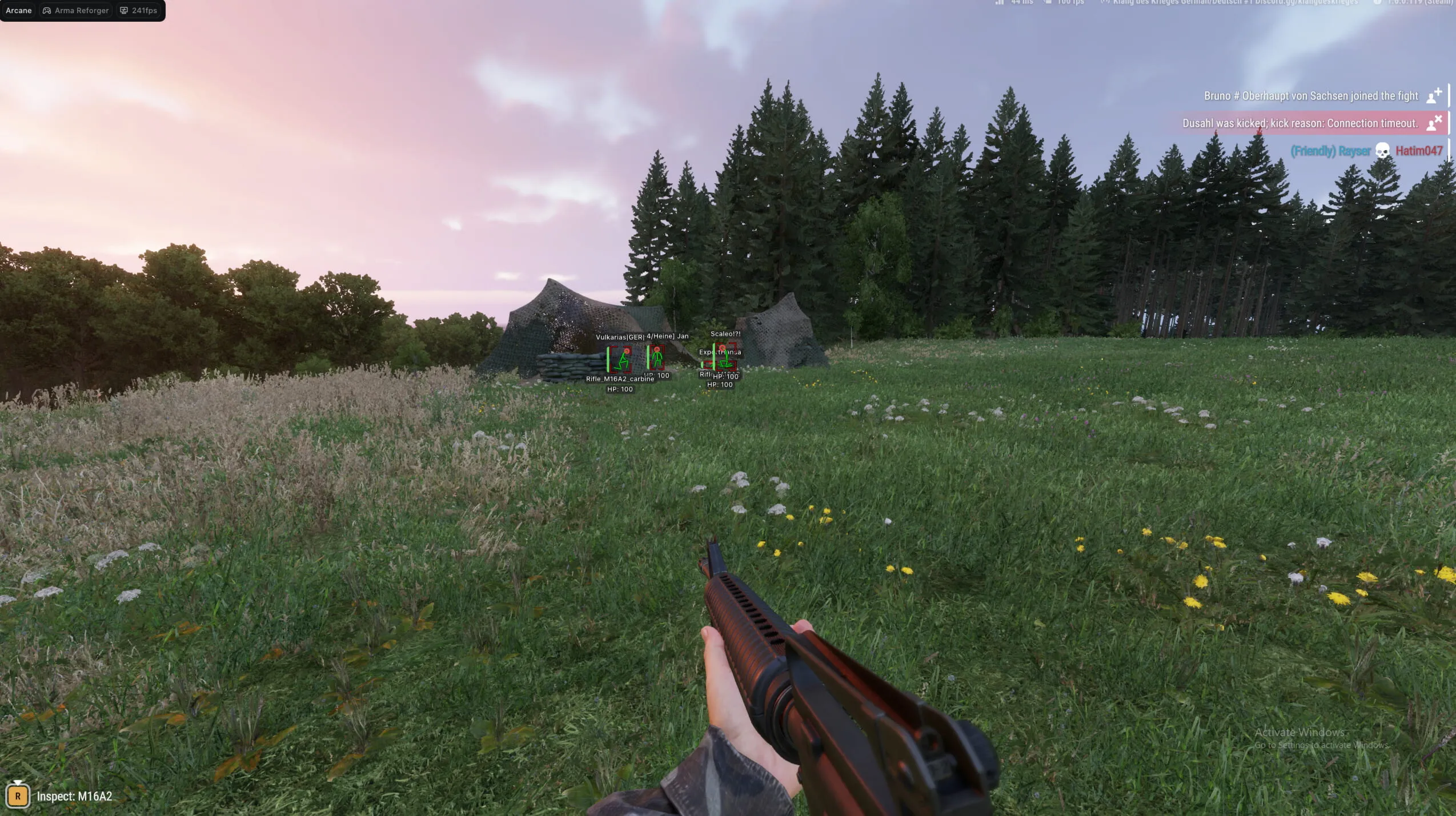
Product Images
Requirements
- Supported CPU: Intel & AMD
- Support Windows Versions: 10 - 11
- Supported Game Version: Steam
- Supported Game Mode: Windowed / Borderless
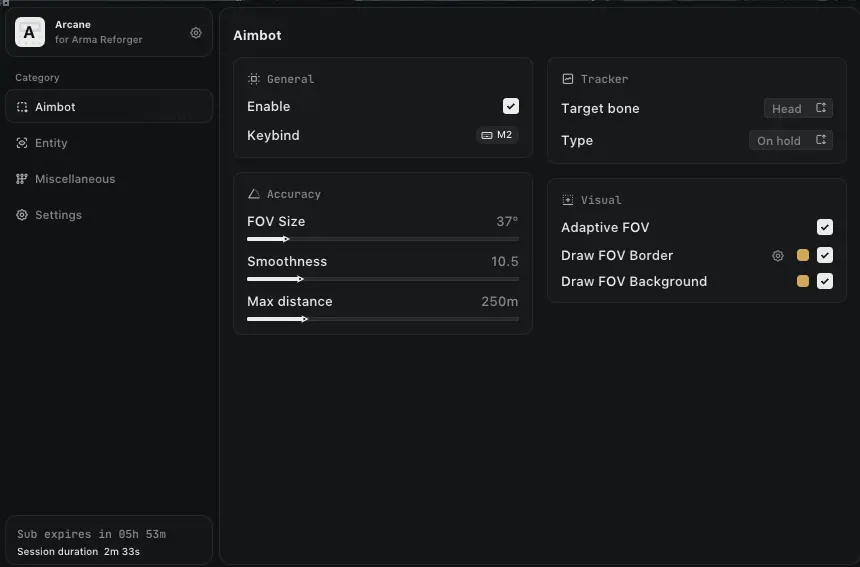
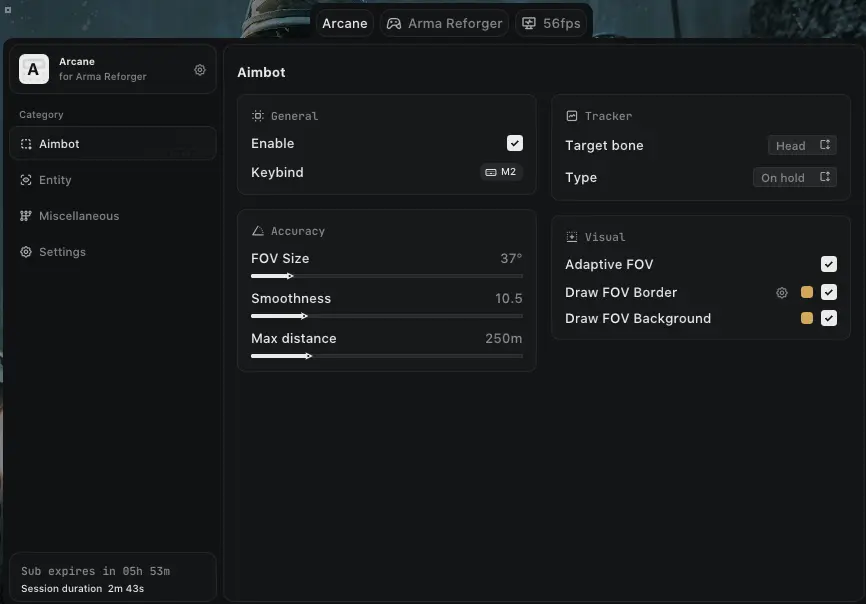
Aimbot
- Keybind – Set activation key.
- Target Bone – Specific target points: Head, Neck, Body, Pelvis.
- Type – Choose between Hold or Always active.
- Adaptive FOV – Automatically adjusts the FOV circle based on distance.
- Draw FOV Border – Displays the radius circle of the aimbot.
- Draw FOV Background – Fills the FOV circle with a background color.
- FOV Size – Adjust the size of the aimbot's effective area.
- Smoothness – Adjusts how fast or slow the aim moves to the target.
- Max Distance – Sets the maximum range for the aimbot.
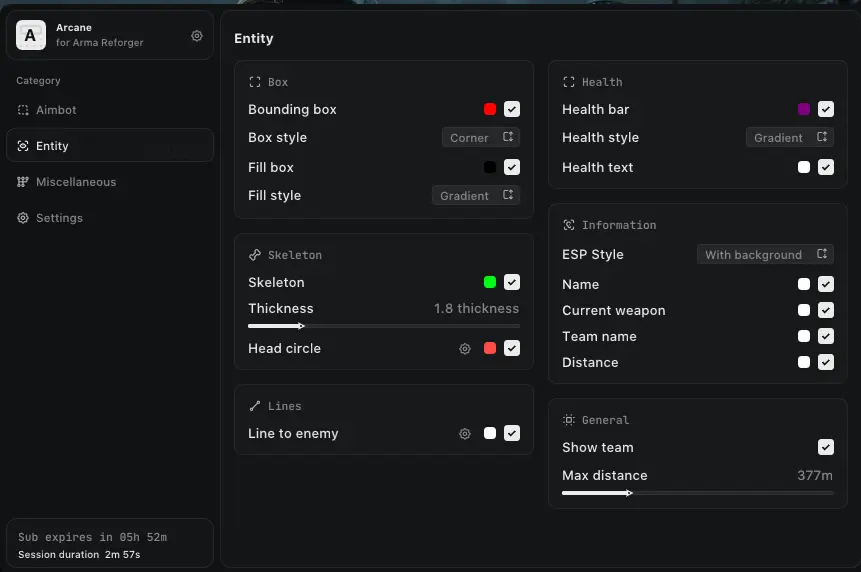
Player ESP
- ESP Style – Choose between Background or No Background styles.
- Bounding Box – 2D boxes around players (Full Box or Corners).
- Fill Box – Adds a background color to the player box (Static or Gradient).
- Line to Enemy – Snaplines with customizable color and positioning.
- Health Bar – Visual health status (Static, Health-based, or Gradient).
- Skeleton – Draws player bone structure with adjustable thickness and head circle.
- Name – Displays player nicknames.
- Current Weapon – Shows the weapon currently held by the player.
- Team Name – Displays the target's team designation.
- Distance – Shows how far away the player is.
- Show Team – Toggles visibility for your own teammates.
- Max Distance – Sets the limit for player visuals.
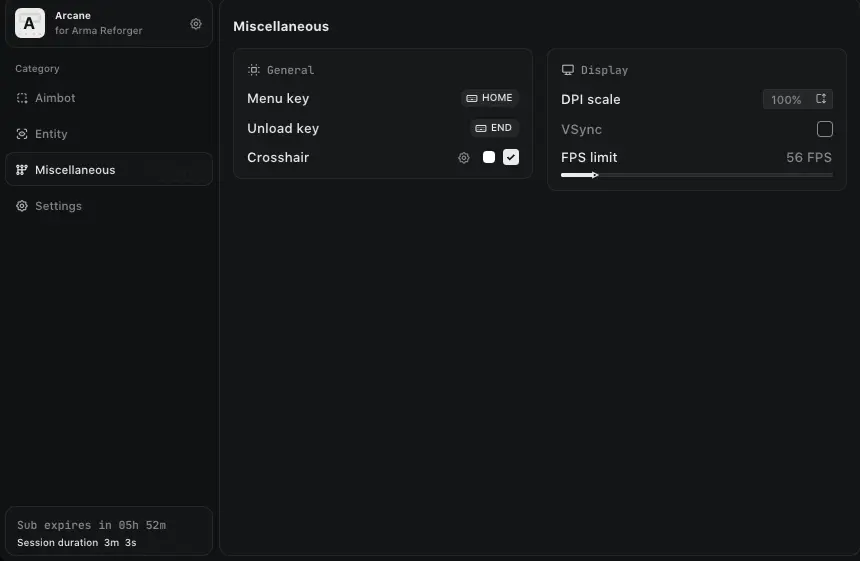
Settings
- Menu Keybind – Change the key used to open the software menu.
- Unload Keybind – Set a "Panic Key" to completely exit and unload the software.
- DPI Scale – Resizes the menu UI for different monitor resolutions.
- FPS Limit – Caps the menu frame rate to reduce system load.
- Theme – Switch between Dark and Light visual modes.
- Watermark – Toggle the on-screen software logo.
- Language – Supports English (EN), Russian (RU), and Chinese (CN).
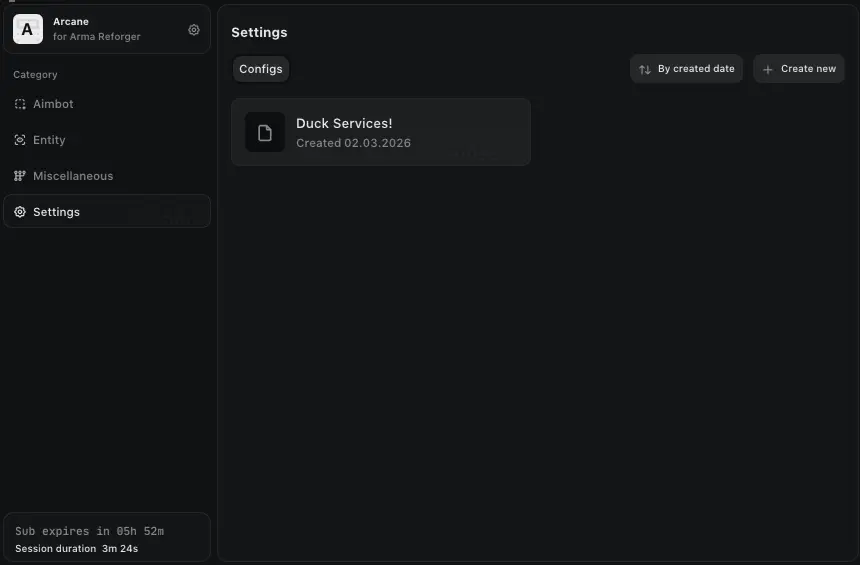
Config
- Create Config – Save your current settings to a new profile.
- Load Config – Quickly switch between saved settings profiles.
- Rename Config – Change the name of an existing profile.
- Delete Config – Remove unwanted settings profiles.
![R6 Caruso 30 Days [DMA]](https://ducks-services.com/uploads/monthly_2026_01/R6S-Caruso-DMA.webp.5df9e541b4e58bf9995c5f07c28ce679.webp)
![Battlefield 6 Direct 7 Days [DMA]](https://ducks-services.com/uploads/monthly_2026_01/BF6-Direct.webp.fd1c643ddd82a29057ca94c55b57eec3.webp)
![SOT Duck's 1 Day [DMA]](https://ducks-services.com/uploads/monthly_2026_01/SOT-DUck-DMA.webp.6893050636513ba3e927df13b16c6f37.webp)