
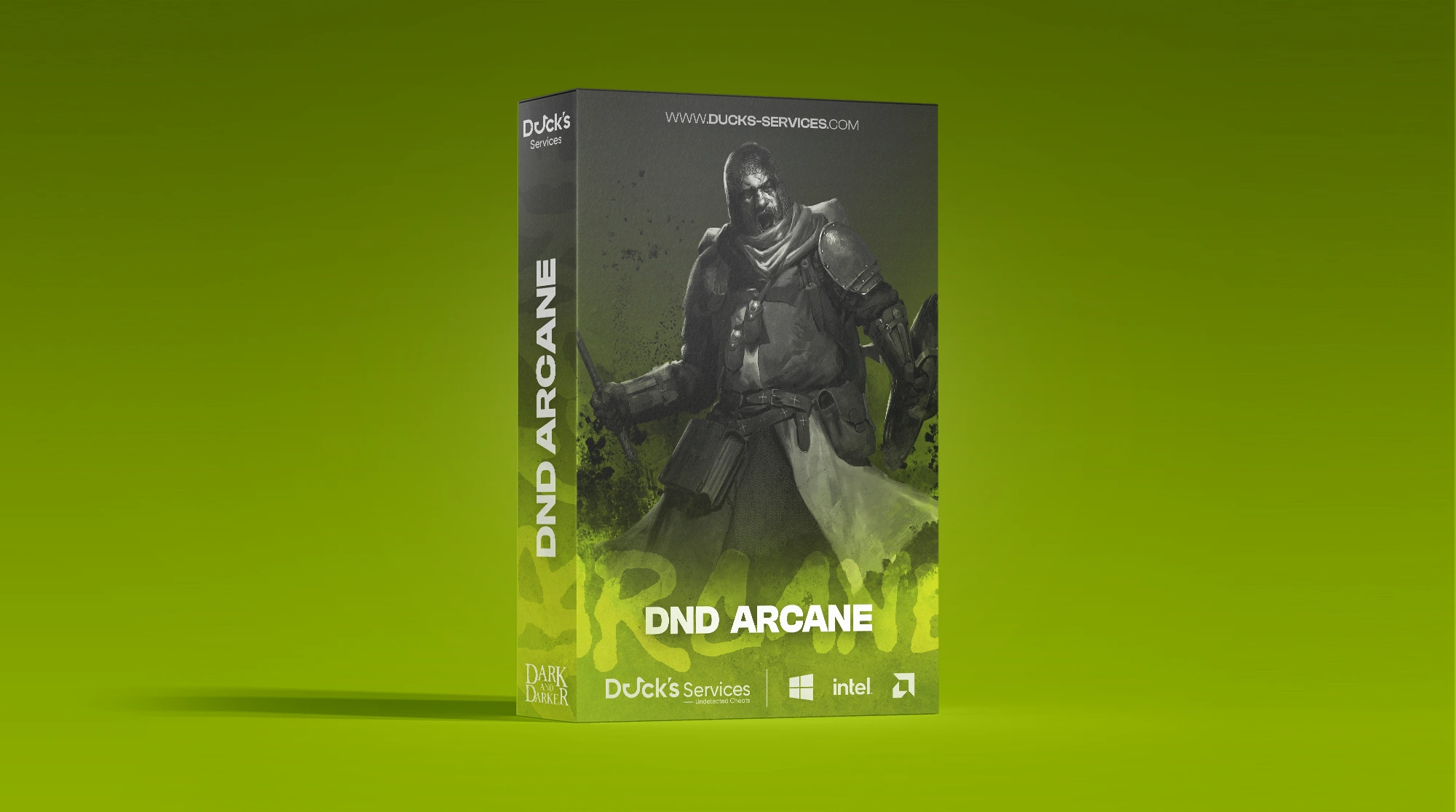
DnD Arcane
- Instant Delivery
-
Undetected
$2.99
Product Images
Requirements
- Supported CPU: Intel & AMD
- Support Windows Versions: 10 - 11
- Supported Game Version: Steam
- Stream Proof: Yes
Player ESP
- Player ESP – Main toggle for player-specific visual enhancements.
- Box 2D – Highlight players using 2D boxes.
- Box Style – Choose between Full 2D boxes or Corner-only boxes.
- Box Filled – Transparent background fill for boxes (Static or Gradient).
- Line – Draws snaplines from your position to enemies.
- Skeleton – Visualizes the enemy bone structure.
- Nickname – Displays player names.
- Distance – Shows distance to targets in meters.
- Level – Shows the target player's character level.
- Max Distance – Adjustable rendering range for player ESP.
- Health (Text/Bar) – Displays HP amount as a numerical value or visual bar.
- View Line – Indicates the direction the target is looking.
- Players Inventory – Displays loot contained within a player's inventory.
NPC ESP
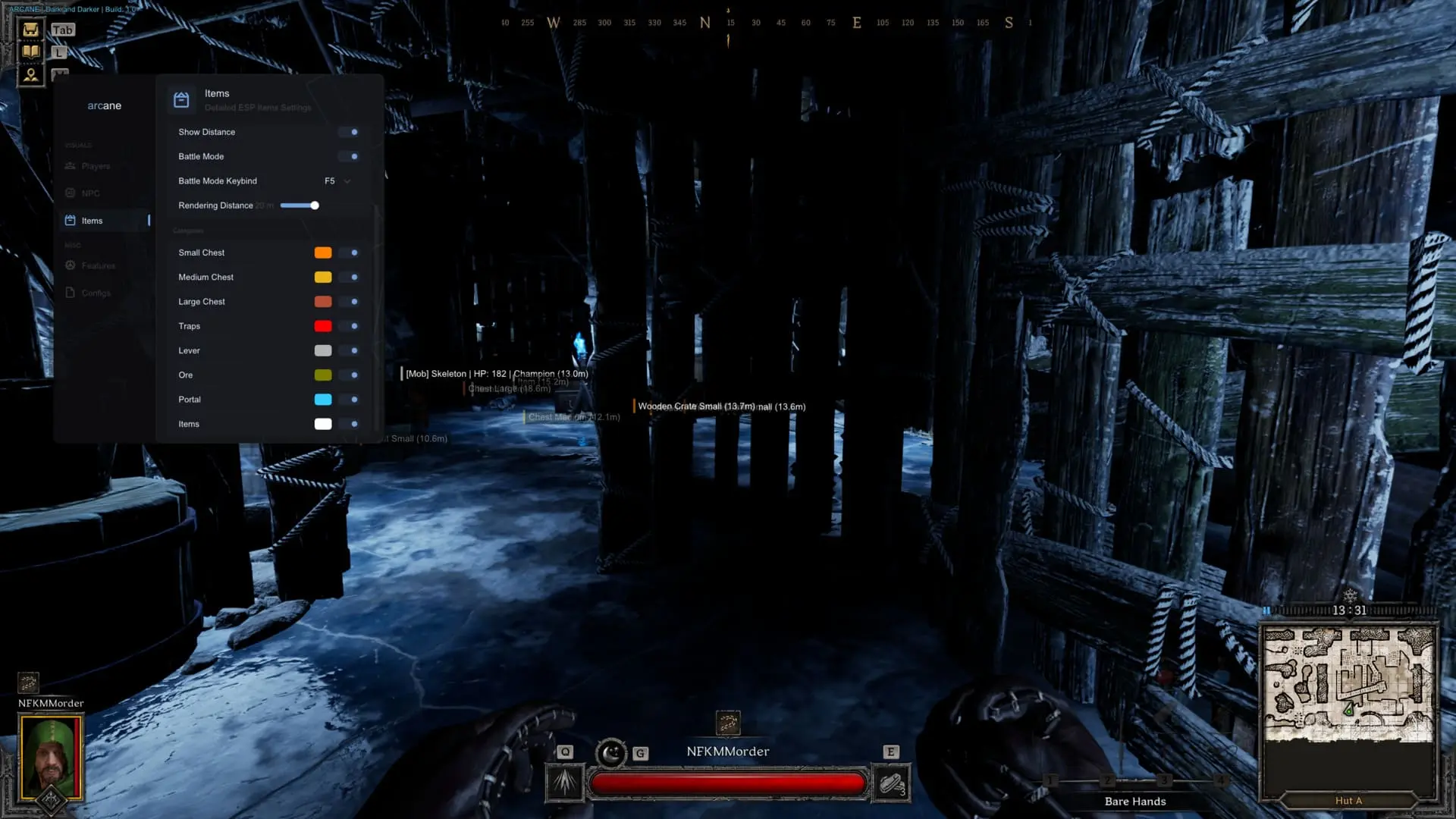
- Npc ESP – Main toggle for displaying various monsters and bosses.
- Show Type – Displays the specific classification of the mob.
- Health (Text/Bar) – Visualizes the mob's remaining health.
- Distance – Shows distance to monsters in meters.
- Max Distance – Adjustable rendering range for mob ESP.
- Box (2D/Filled) – Highlights monsters with customizable 2D boxes.
- Skeleton – Visualizes the bone structure of mobs.
- Categories – Specific filters for Wolves, Skeletons, Walkers, Mummies, Mimics, Giants, Spiders, Goblins, and others.
- Monster Name – Shows the specific name of the monster.
- View Line – Indicates the direction the monster is facing.
- Mobs Inventory – Displays loot dropped by or carried by monsters.
Loot & World ESP
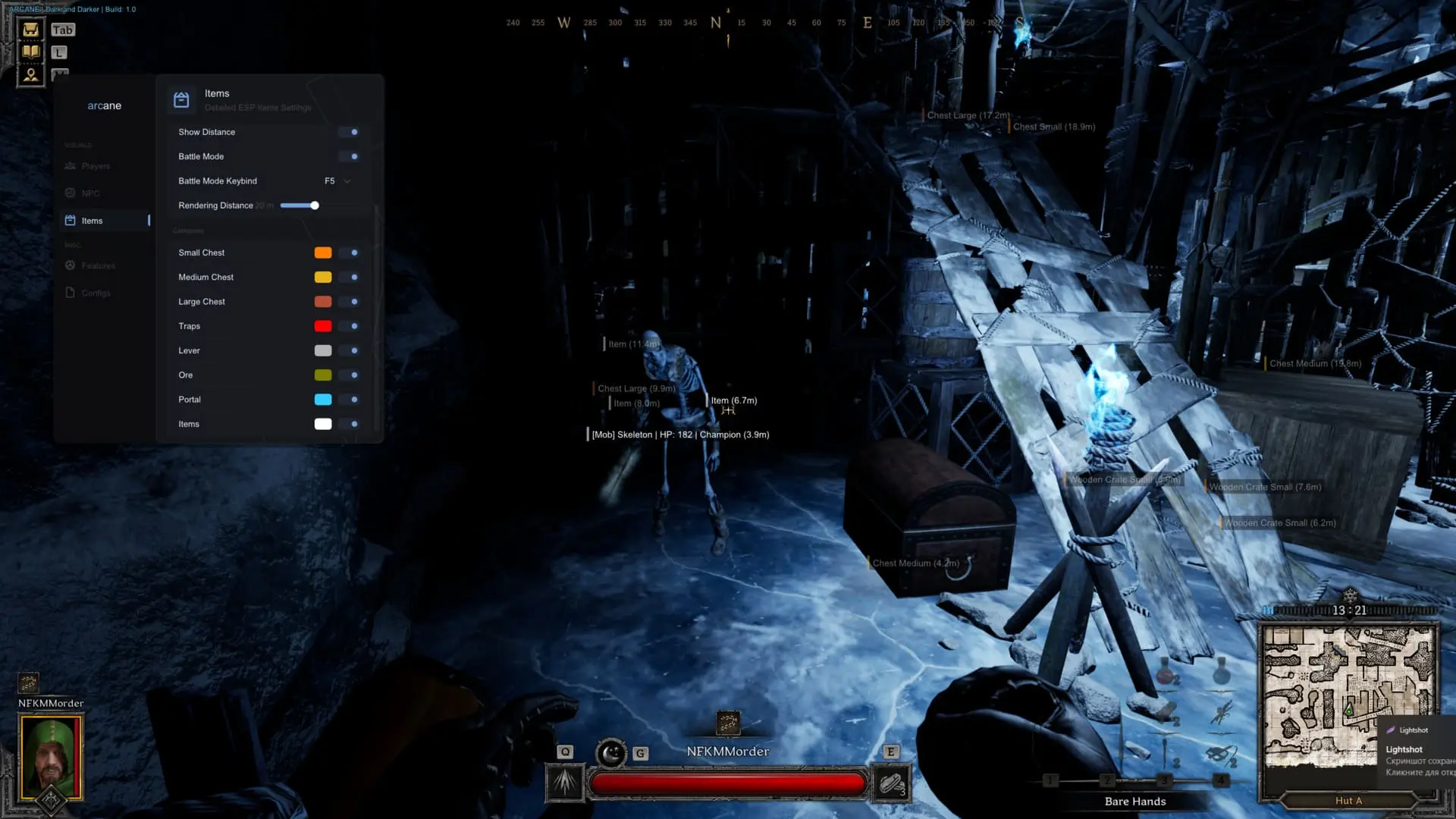
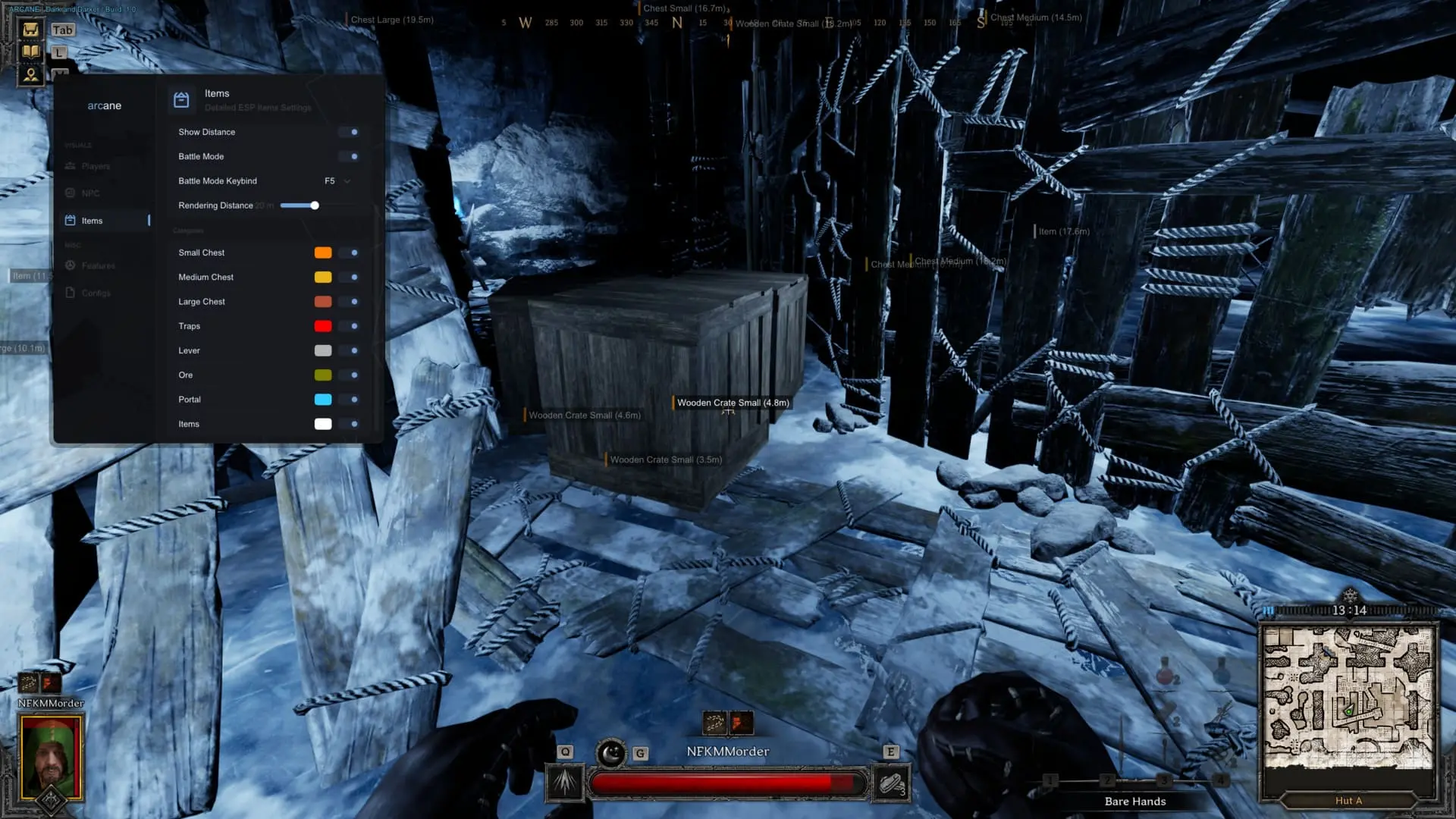
- Items – Highlights all loot currently lying on the ground.
- Distance – Shows distance to world objects and items.
- Rendering Distance – Adjustable range for Loot ESP functions.
- Chests – Separate tracking for Small, Medium, and Large chests.
- Traps – Highlights various environmental traps.
- Lever – Highlights levers for doors and secret passages.
- Ore – Shows various mining nodes and ores.
- Portal – Highlights exit portals and map transitions.
- Quality Filter – Filter displayed loot based on its rarity/quality.
- Corpses – Displays the location of dead players and mobs.
- Corpses Inventory – Shows loot remaining on dead entities.
Misc
- Battle Mode – Emergency toggle to disable Loot/World ESP for better combat focus.
- Menu Language – Supports English, Chinese, and Russian.
- Menu Key – Customizable keybind to open the interface.
- Unload Key – Panic key to immediately disable and unload the software.
- Crosshair – Static on-screen sight with customizable settings.
- Configs – Save and load your Arcane settings profiles.
- Custom Colors – Full color customization for ESP and UI elements.
- StreamProof – Software remains invisible on recordings, streams, and screenshots.
- Localization Support – Automatically displays object names in your game client's language.
![R6 Caruso 30 Days [DMA]](https://ducks-services.com/uploads/monthly_2026_01/R6S-Caruso-DMA.webp.5df9e541b4e58bf9995c5f07c28ce679.webp)
![Battlefield 6 Direct 7 Days [DMA]](https://ducks-services.com/uploads/monthly_2026_01/BF6-Direct.webp.fd1c643ddd82a29057ca94c55b57eec3.webp)
![SOT Duck's 1 Day [DMA]](https://ducks-services.com/uploads/monthly_2026_01/SOT-DUck-DMA.webp.6893050636513ba3e927df13b16c6f37.webp)